.webp)
Feature Freeze in 2026: Stopping Scope Creep
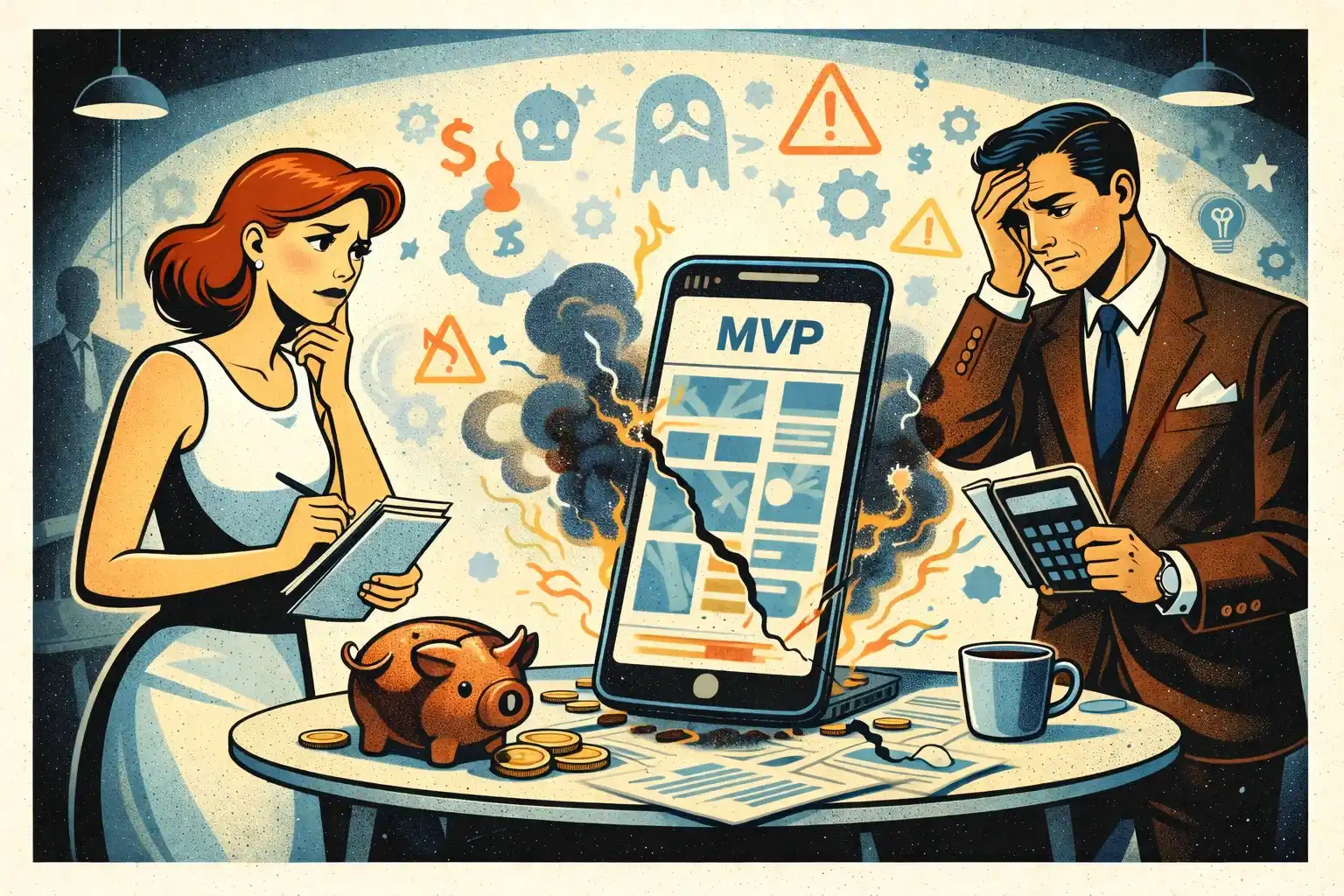
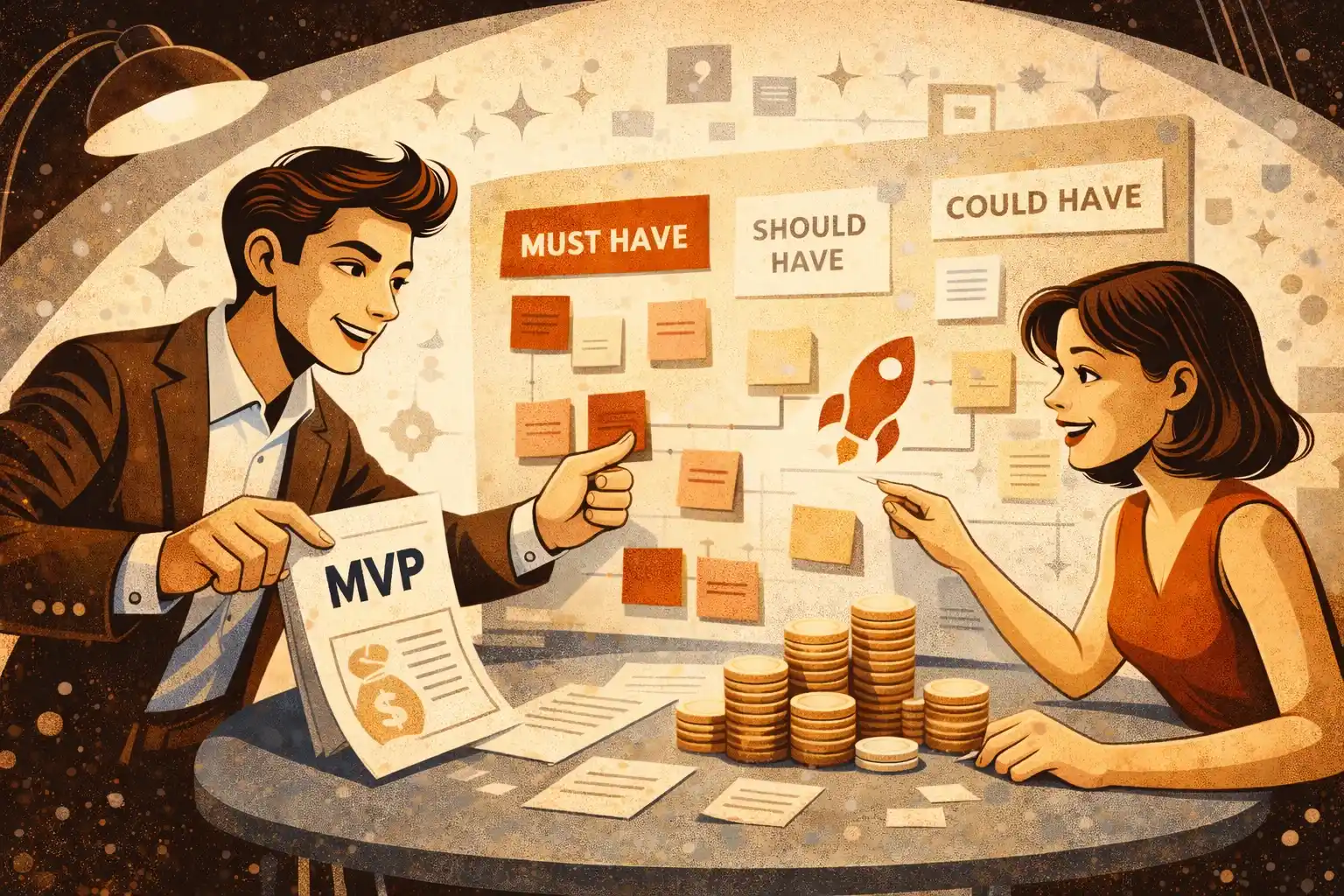
Scope creep is the quiet MVP killer: you start with a clear first version, then every new idea becomes “just one more feature.” In 2026, AI makes it even easier to add things fast — so founders need stronger boundaries, not more capacity. This article explains what a real feature freeze is, when to apply it, and how to run change requests without drama. You’ll get practical rules, templates in plain language, and a release rhythm that keeps shipping predictable.

TL;DR: A feature freeze is a decision rule: after a certain point, you stop adding features and only fix blockers, polish the core flow, and stabilize for launch. In 2026, scope creep accelerates because “it’s easy to build” isn’t the same as “it’s worth shipping.” Freeze scope to protect time-to-market and force tradeoffs — every new request must replace something, not pile on.
Why scope creep is worse in 2026
Two forces collide:
- Building feels cheaper (AI, templates, faster stacks).
- Expectations feel higher (founders want the “real product” from day one).
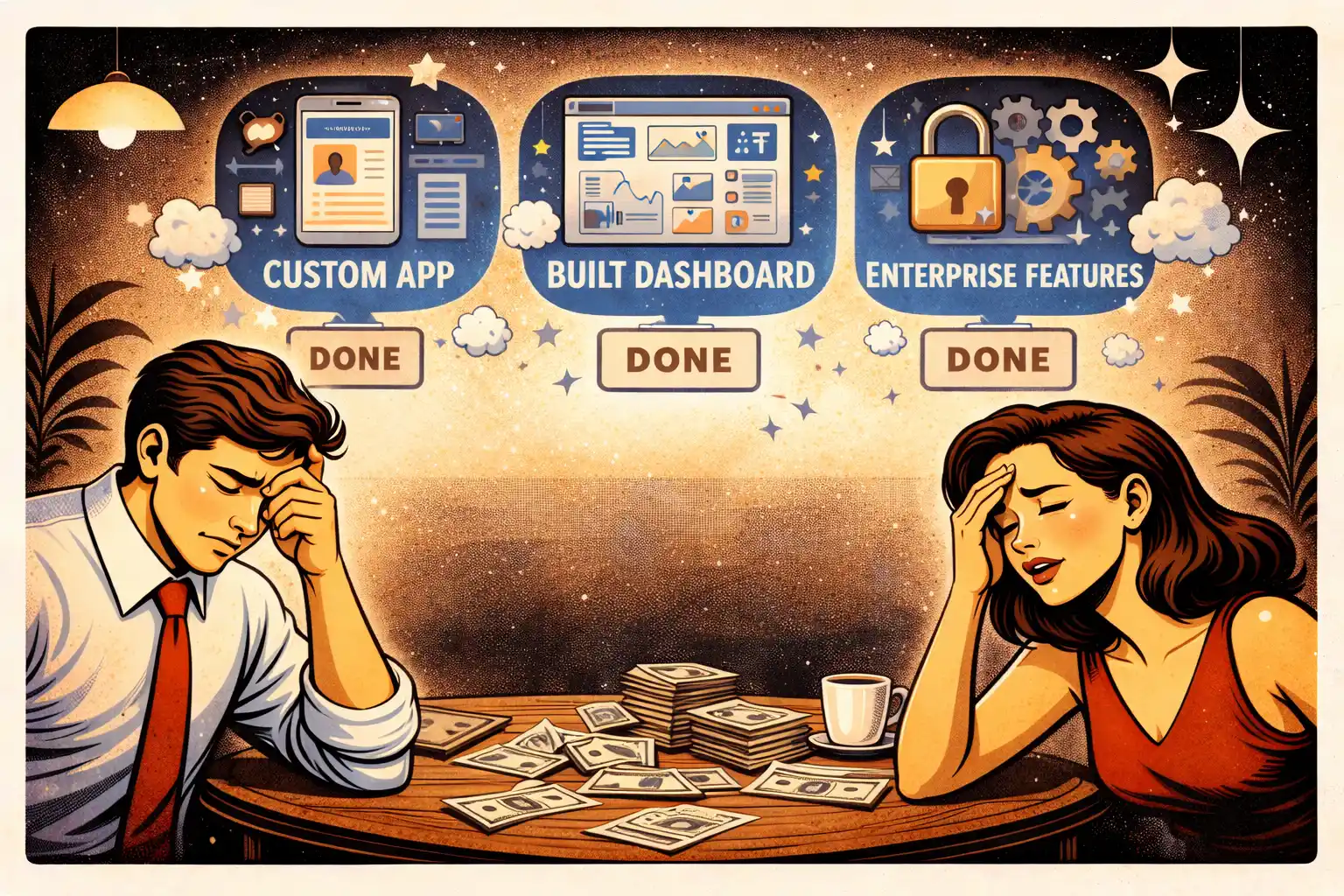
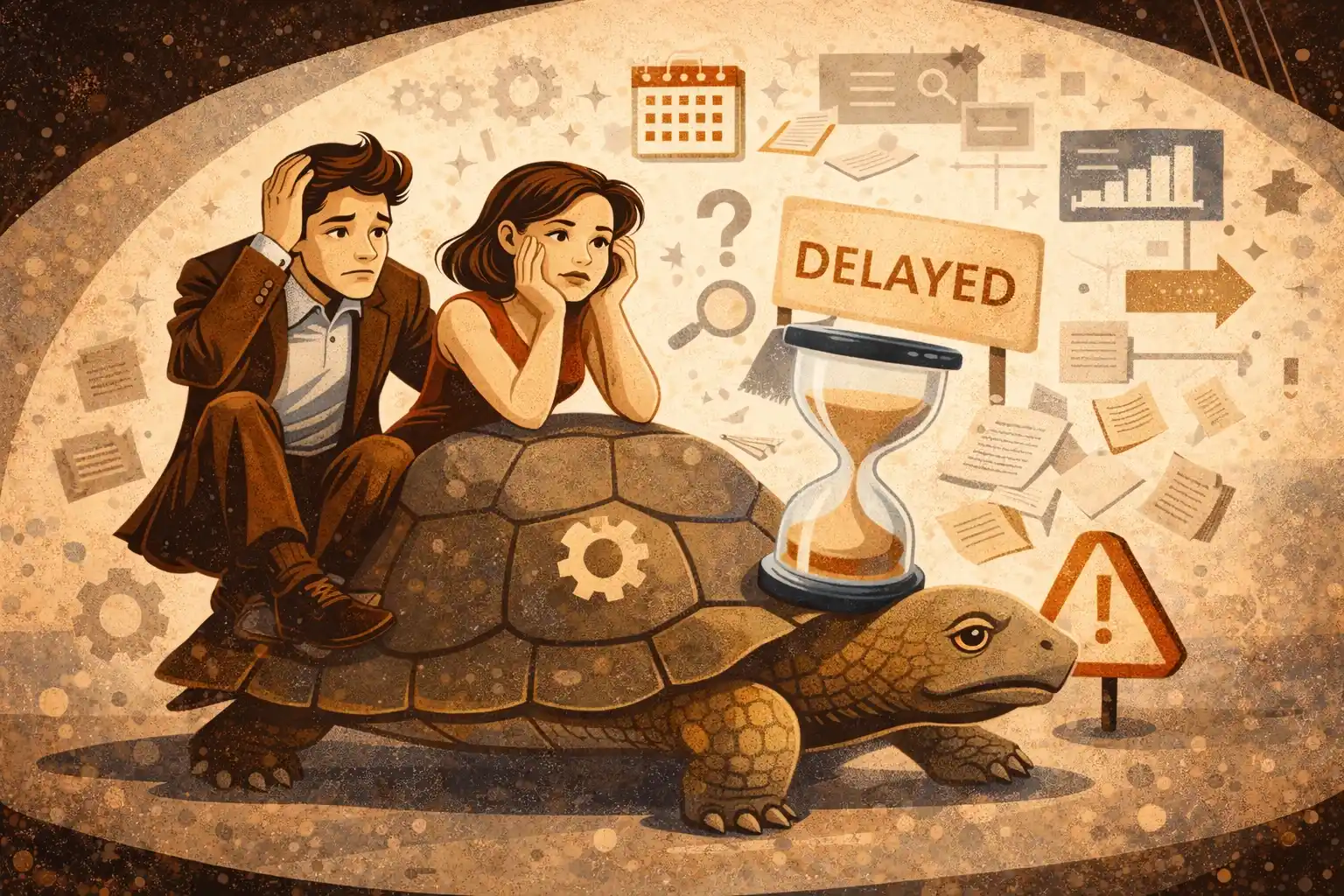
So teams keep adding. The result is predictable: late MVP, unclear quality, and no clean learning loop.
If you want the bigger picture of why MVPs still fail even with faster development, read Why MVPs Still Fail in 2026.
What feature freeze actually means
Feature freeze is not “we stop working.”
It means:
- No new features in the MVP scope.
- Only work that improves launch readiness is allowed.
Typical allowed work during freeze:
- Fix bugs and performance issues
- Improve the core flow UX (remove friction)
- Add missing states that block completion (empty states, error states)
- Stabilize permissions and data integrity
- Finalize analytics events you need for launch decisions
Not allowed:
- New modules
- New user roles
- New integrations “because it would be nice”
- Feature re-writes that don’t remove a launch blocker
When to start the freeze
Most founders freeze too late.
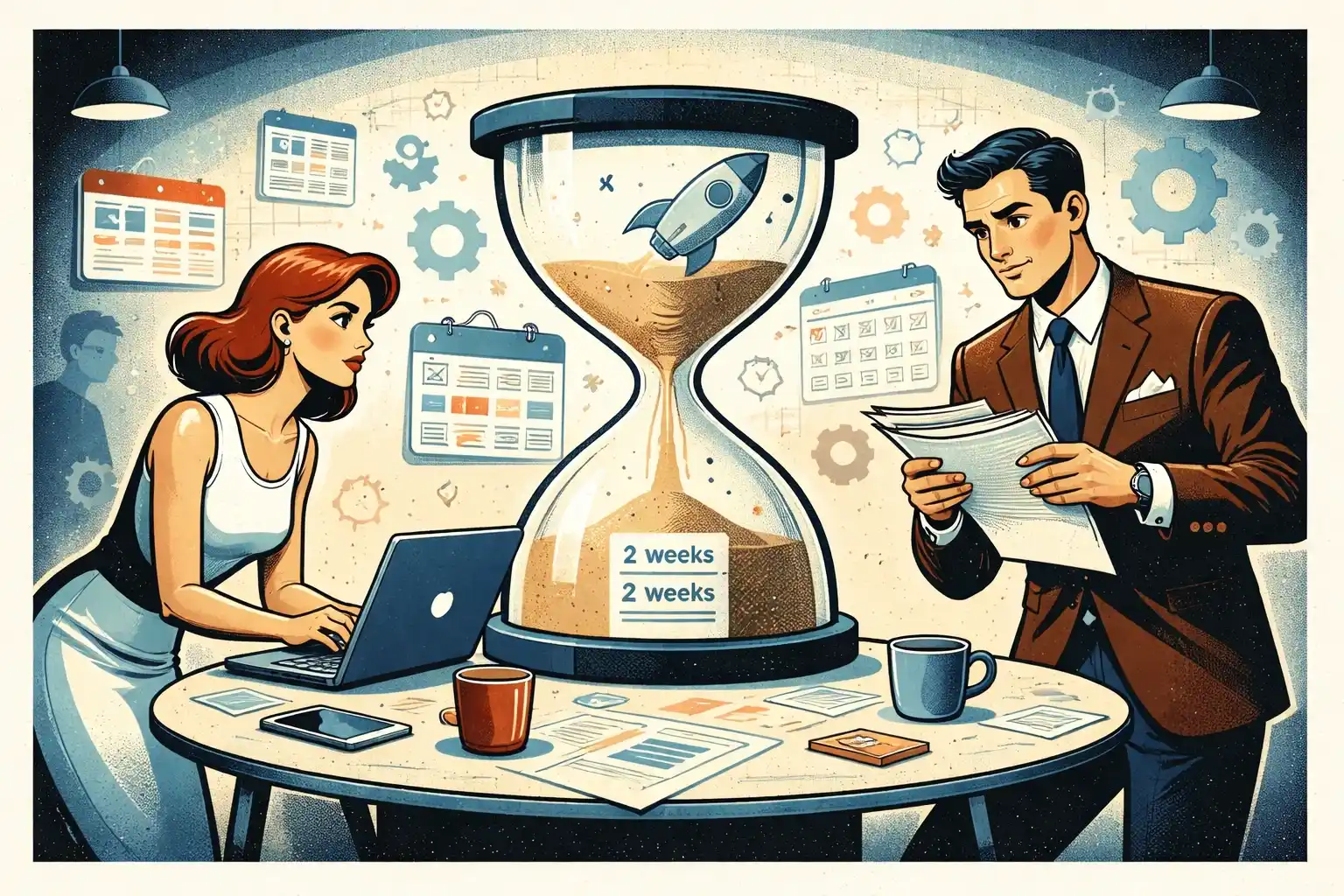
A practical rule: start feature freeze when you’re around 70–80% through building the planned MVP scope.
Signs you’re ready:
- The core flow exists end-to-end in a staging build
- Remaining tasks are mostly “finish, harden, and polish”
- Bugs are now the main unknown, not missing product definition
If you still can’t describe the MVP in 3–5 sentences, you don’t need a freeze yet — you need clarity. Start with Discovery Phase in 2026: What You Should Receive.
The founder mindset shift: from building to shipping
Scope creep is usually emotional:
- “What if users expect this?”
- “Competitors have it.”
- “It’s only a small feature.”
Feature freeze is how you replace emotion with a system.
Your MVP is not a product museum. It’s a learning machine.
If you’re bootstrapping, this discipline is survival, not process. See Bootstrapped MVP Strategy in 2026: Ship Faster.
The one rule that stops 90% of scope creep
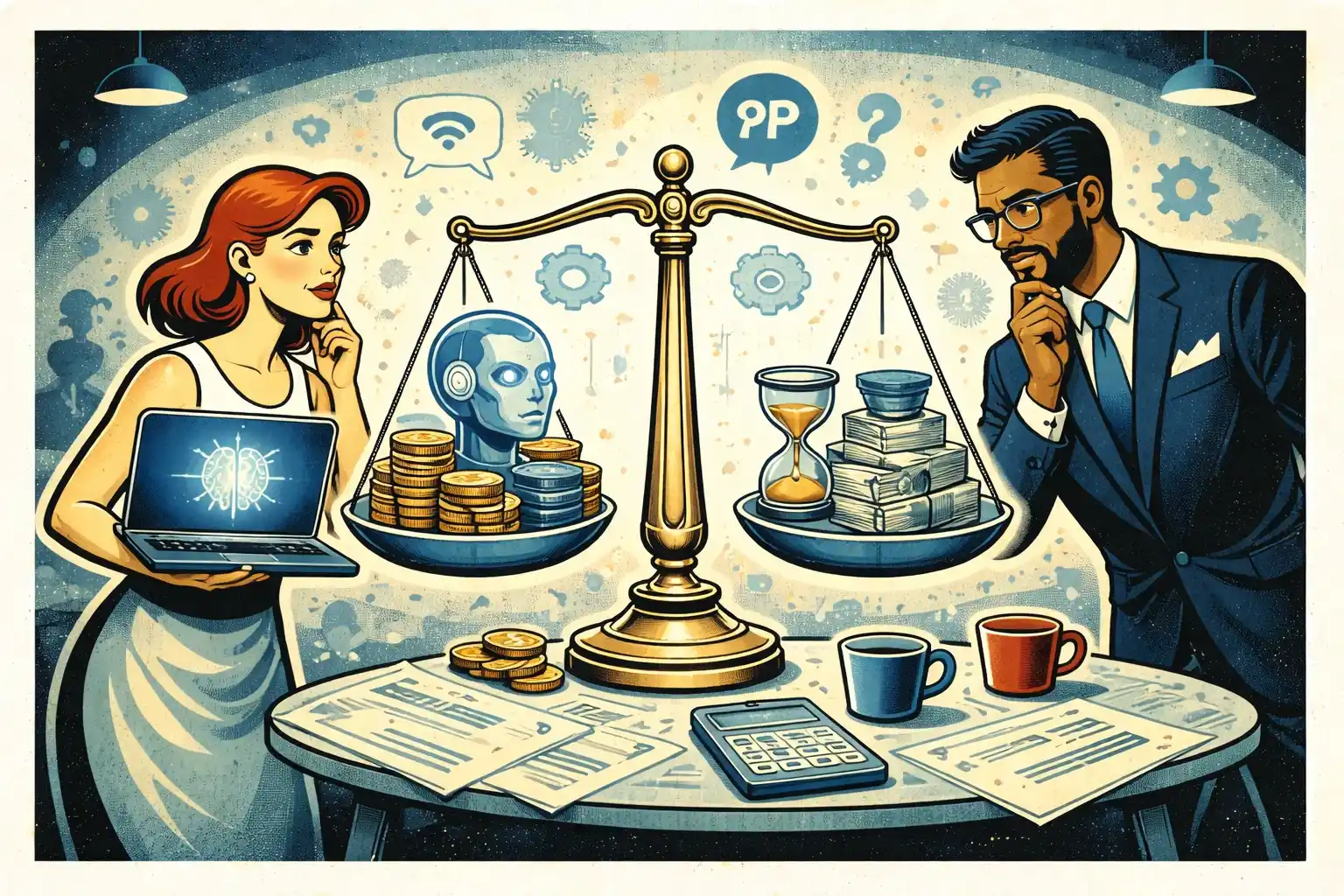
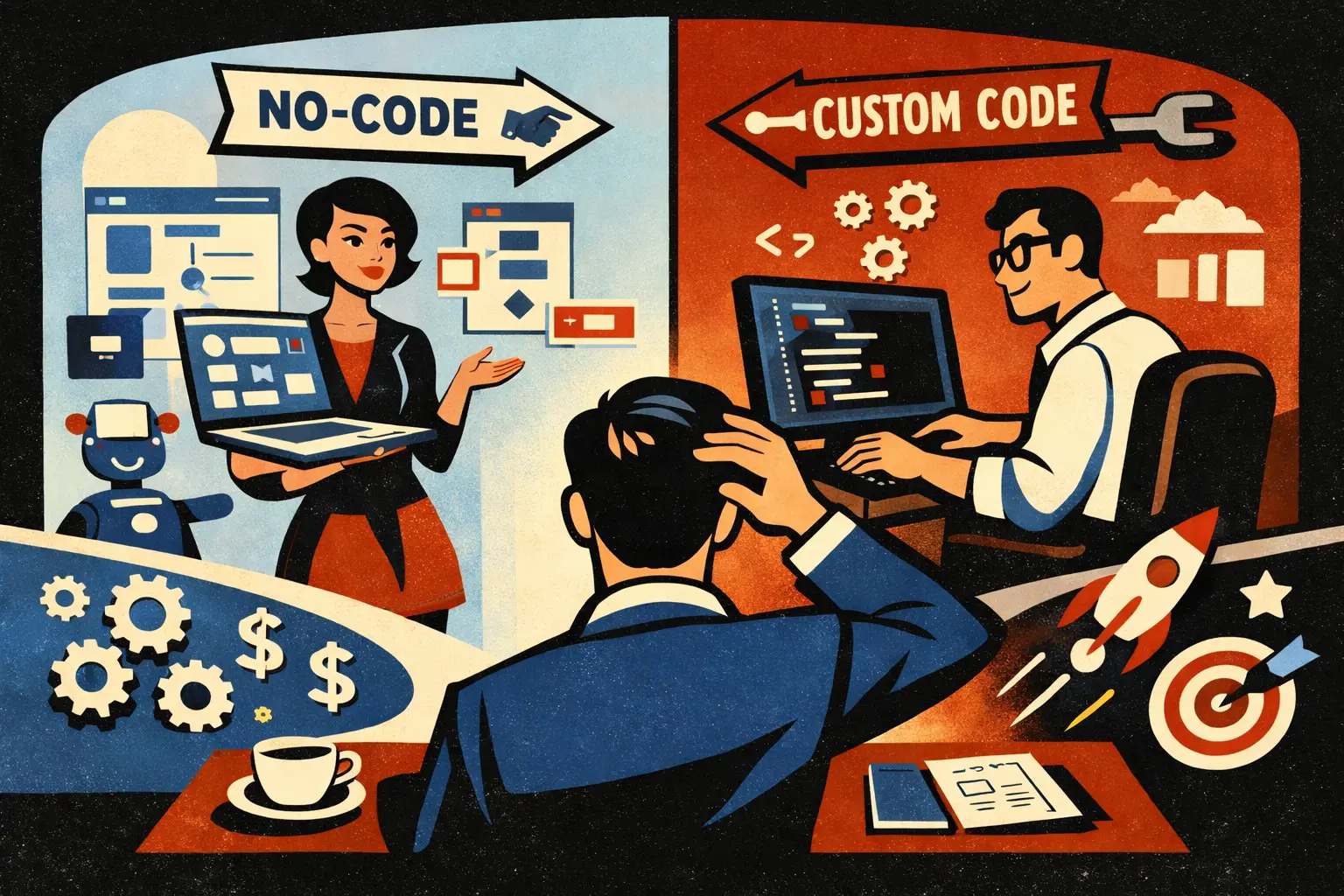
Every new feature request must come with a trade:
- Replace something already in the scope, or
- Move the launch date, or
- Increase the budget
If none of those is acceptable, the request goes to “later.”
This rule works because it forces honesty: there is no “free” feature.
How to run change requests during freeze (without conflict)
Use a simple 3-step filter:
1) Is it a launch blocker?
If the MVP cannot deliver the promised outcome without it, it’s allowed.
2) Is it a trust requirement?
If the absence creates a clear trust problem (security, payments access rules, data leaks), it may be allowed.
3) Is it a learning amplifier?
If it significantly improves your ability to learn from real usage (activation clarity, key events), it may be allowed.
Feature freeze ≠ ignoring users
A common mistake is freezing features and stopping feedback.
You still collect feedback. You just route it differently:
- Bugs and blockers - now
- Nice-to-have features - backlog for post-launch
- Confusion about the value promise - fix copy/UX now
Founder-led testing is how you catch confusion without expanding scope. See Founder-Led MVP Testing in 2026: A Practical Setup.
The freeze checklist: what you should finish instead of adding features
If you’re tempted to add something during freeze, check whether these are already done.
- The core flow can be completed without help
- Onboarding and first-time user path are clear
- Permissions and access rules are correct
- Error states and empty states are handled
- Performance is acceptable for real users
- Analytics events cover activation and core actions
- Support path exists (even simple)
If any of these are missing, that’s where your time should go.
For the event planning side, read MVP Analytics in 2026: Events to Track Early.
AI makes scope creep faster — so your rules must be stronger
In 2026, teams can generate features quickly. That’s not the bottleneck.
The bottleneck is:
- reviewing quality
- preventing security/permissions mistakes
- keeping the product coherent
If AI helps you build faster, it should help you ship earlier — not expand scope.
A good lens here is AI-Powered MVP Development: Save Time and Budget Without Cutting Quality.
Practical scripts founders can use
Use these lines to keep relationships calm while holding the boundary.
- “That’s a good idea. If we add it now, what do we remove?”
- “Is this required to reach the core outcome, or is it v1.1?”
- “Let’s capture it in the backlog, but we’re in freeze until launch.”
- “If we ship without this, what breaks for the user?”
This is how you stop being the “bad cop” and become the “tradeoff cop.”
What to do immediately after launch
Freeze doesn’t mean “never.” It means “not now.”
After launch, run a short cycle:
- Review analytics + user sessions
- Identify the top 1–3 issues blocking activation/retention
- Ship fixes and small improvements
- Re-scope v1.1 based on evidence, not guesses
If your team can’t do this without rebuilding the plan, you likely didn’t have clean scope boundaries.
Thinking about building a usable MVP in 2026?
At Valtorian, we help founders design and launch modern web and mobile apps — including AI-powered workflows — with a focus on real user behavior, not demo-only prototypes.
Book a call with Diana
Let’s talk about your idea, scope, and fastest path to a usable MVP.
FAQ
What is a feature freeze in simple terms?
A feature freeze is when you stop adding new features and focus only on stability, core UX, and launch readiness. It protects your release date.
When should I start a feature freeze for an MVP?
Usually when the core flow exists end-to-end and you’re roughly 70–80% through planned scope. Freeze too late and you’ll keep slipping.
Does feature freeze mean we stop listening to user feedback?
No. You still collect feedback, but you only act on blockers, trust issues, and clarity problems. New ideas go to the post-launch backlog.
How do I handle “small” feature requests during freeze?
Treat them as real tradeoffs. If you add it, remove something else or accept a later launch. There are no free features.
What work is allowed during a freeze?
Bug fixes, performance improvements, missing states that block completion, security/permissions fixes, and essential analytics for launch decisions.
What’s the biggest mistake founders make with scope creep?
Letting the backlog become the product scope. The MVP scope must be a protected list with clear boundaries.
How do I keep an agency aligned during feature freeze?
Make the freeze rules explicit, require change requests to include tradeoffs, and review progress in weekly demos with a “ship-ready” checklist.





















































.webp)




.webp)