.webp)
MVP Analytics in 2026: Events to Track Early
Most MVPs fail with “no data,” or worse — too much data that doesn’t answer the real questions. In 2026, analytics tooling is easier than ever, but founders still waste weeks tracking vanity events instead of user behavior that proves value. This article explains which events to track early, how to name and scope them, and how to avoid turning analytics into a never-ending engineering task. You’ll leave with a founder-friendly event framework that supports faster product decisions.
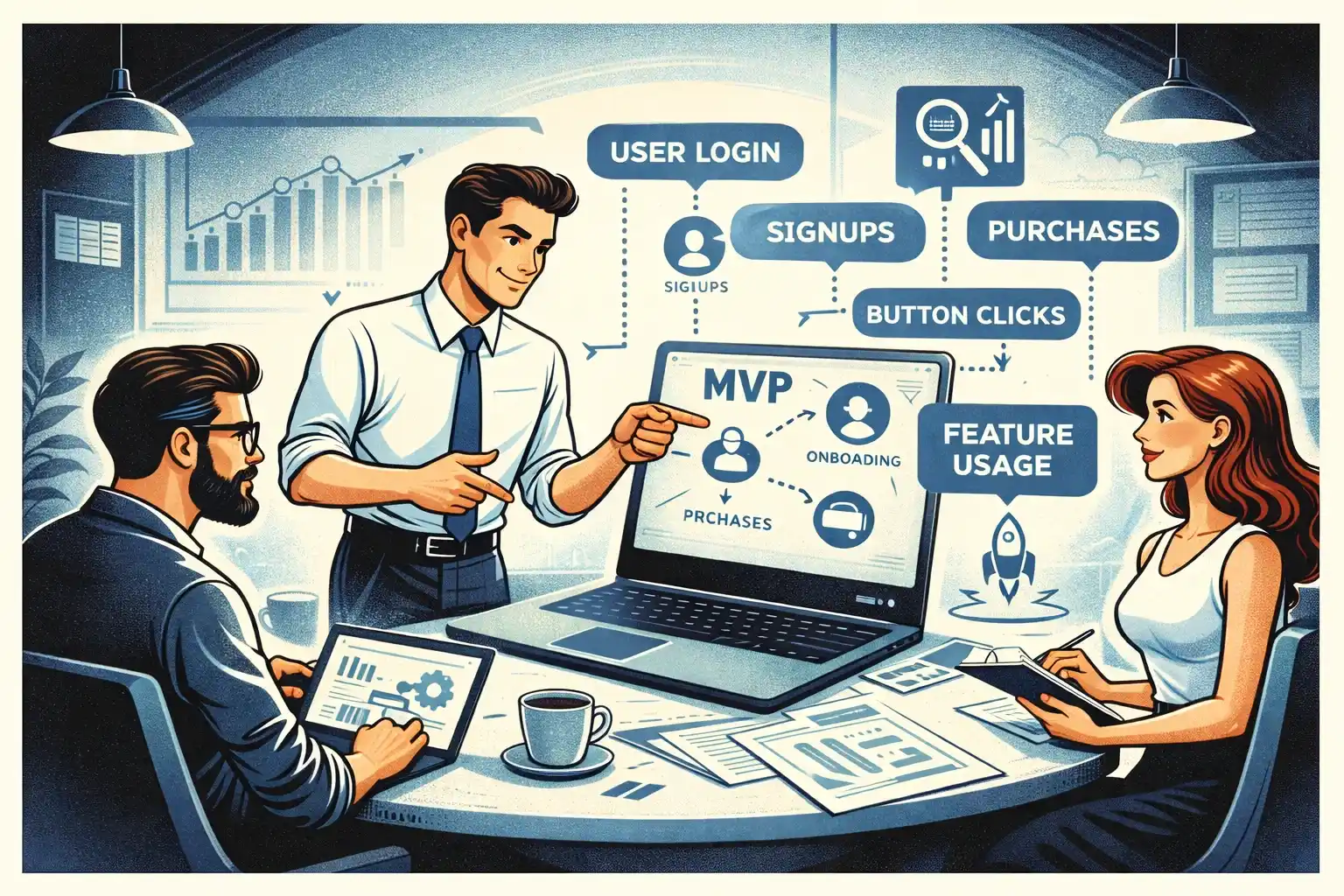
TL;DR: Track fewer events, but make them decision-ready: activation, the core value action, a retention proxy, and a revenue signal. Add only the “quality” events that explain why users succeed or fail. If you can’t answer “who gets value, how fast, and what blocks them,” your event plan is missing the point.
Why MVP analytics is different in 2026
In 2026, teams can instrument analytics quickly—often in days. The real problem is not implementation.
The real problem is focus.
Founders tend to track:
- every click (noise)
- “page_view” everywhere (no meaning)
- downloads and signups (vanity)
Instead, MVP analytics should answer these three questions:
- Do users reach value?
- Do they come back (or intend to come back)?
- Are we moving toward revenue (or a strong monetization proxy)?
If you want the high-level investor lens, start with Your First Product Metrics Dashboard: What Early-Stage Investors Want to See
The 4-event model that covers most MVPs
If you’re overwhelmed, start here. Most MVPs can begin with four “pillar” events:
- ActivationThe moment a user first experiences real value.
- Core ActionThe key action that defines the product promise.
- Retention ProxyA repeat behavior that shows the user is forming a habit.
- Revenue SignalA paid conversion or a strong intent-to-pay signal.
Everything else is “supporting events” you add only if they explain drop-offs or improve decisions.
Event category 1: Activation events
Activation is not “account created.”
Activation is the first moment the product becomes useful.
Examples (choose one that fits your product):
- completed onboarding and reached the first meaningful screen
- created the first object that matters (first project, first post, first request)
- connected an integration that unlocks value
- invited a teammate (for B2B)
What makes a good activation event:
- it happens early (first session or first day)
- it correlates with retention
- it’s clear enough that a non-technical founder can explain it
Event category 2: Core value events
This is the heart of your product.
The core event should represent what users came to do.
Examples:
- marketplace: request sent / match accepted
- SaaS: report generated / workflow completed
- consumer: plan created / task completed / session finished
A common mistake is tracking “feature usage” as a blob. Instead, track the specific “value outputs.”
If you’re unsure what belongs in MVP and what doesn’t, see How to Prioritize Features When You’re Bootstrapping Your Startup.
Event category 3: Retention proxy events (the MVP-friendly approach)
You don’t need a complex retention model on day one.
You need a proxy that signals “this is sticking.”
Strong proxies are actions that:
- happen naturally when users get value
- repeat weekly or daily
- correlate with willingness to pay
Examples:
- returning to view results
- repeating the core action
- saving or exporting something
- responding to a notification
Why proxies matter: they let you see early retention signals before you have big cohorts.
Event category 4: Revenue signal events
Revenue events depend on your monetization model.
Track:
- subscription_started / purchase_completed
- trial_started (only if trial is real and time-bound)
- paywall_viewed + checkout_started (intent)
- plan_upgraded / downgrade_requested (quality)
Founder note: if you’re pre-revenue, track “intent to pay” signals early. They’re not revenue, but they guide product decisions.
Event category 5: Quality events (the “why” behind outcomes)
Quality events explain drop-offs and success.
These are the difference between “we have numbers” and “we can improve the product.”
Examples:
- onboarding_step_completed (only for key steps)
- search_performed + results_count_bucket
- error_shown (with reason)
- permission_denied (with context)
- empty_state_seen (with screen)
Keep this set small. You want to diagnose 80% of problems without tracking everything.
If you’re curious why teams still ship MVPs that don’t work despite “tracking,” read Why MVPs Still Fail in 2026.
Event category 6: Operational events (for marketplaces and B2B)
Some products need ops visibility even at MVP stage.
Track events that help you run the business:
- request_created / request_canceled
- match_created / match_failed
- message_sent / response_received (as counts, not content)
- dispute_opened / refund_requested
These events are less about product discovery and more about keeping the platform healthy.
Naming and properties: how to keep analytics sane
A good rule in 2026 is “human-readable, consistent, low maintenance.”
Practical guidance:
- use verb_noun (e.g., onboarding_completed, plan_created)
- keep names stable; avoid renaming weekly
- add properties only when they change a decision
Useful properties (when relevant):
- source (where user came from)
- plan_tier (free/trial/paid)
- platform (web/ios/android)
- funnel_step (for onboarding)
- reason (for errors, cancellations)
Avoid:
- dumping raw UI labels as properties
- 30 properties “just in case”
The MVP analytics trap: tracking everything, learning nothing
If your team suggests tracking “all clicks,” push back.
Your goal is not “complete analytics.”
Your goal is faster decisions.
A healthy MVP analytics plan is:
- 10–25 events total for early stage
- clear mapping: each event answers a question
- a short dashboard that the founder actually checks weekly
If you want a process view of how analytics fits into launch, see Full-Cycle MVP Development: From Discovery to First Paying Users.
How AI changes analytics work in 2026
AI helps teams move faster on:
- drafting event plans from user flows
- generating consistent naming suggestions
- summarizing weekly insights
- detecting anomalies and surfacing patterns
But AI won’t fix a bad event strategy.
If your event plan is unclear, AI will just help you implement the wrong plan faster.
For a realistic view of AI speed without quality loss, see AI-Powered MVP Development: Save Time and Budget Without Cutting Quality.
A simple weekly routine founders can follow
You don’t need a data team to get value from MVP analytics.
Every week, answer:
- Activation rate: are new users reaching value?
- Time to value: how fast do they get there?
- Core action frequency: are they doing the thing that matters?
- Drop-off reason: what blocks them most?
- Revenue signal: are we moving closer to paid behavior?
If you can’t answer one of these, add one event — not ten.
Thinking about building a web or mobile MVP in 2026?
At Valtorian, we help founders design and launch modern web and mobile apps — including AI-powered workflows — with a focus on real user behavior, not demo-only prototypes.
Book a call with Diana
Let’s talk about your idea, scope, and fastest path to a usable MVP.
FAQ
How many events should an MVP track in 2026?
Usually 10–25 events is enough. Start with activation, core action, retention proxy, revenue signal, then add only what explains drop-offs.
Is “signup” an activation event?
Rarely. Signup is a step, not value. Activation is the first moment the product becomes useful.
Do I need to track every click to learn faster?
No. Click tracking creates noise and slows decisions. Track value moments and the few supporting events that explain why users succeed or fail.
What’s the best retention metric for early MVPs?
Use a retention proxy tied to the core loop (repeat the core action, return to results, respond to a notification). It should reflect real value.
Should I track revenue events if I’m not charging yet?
Yes — track intent-to-pay signals like paywall_viewed, checkout_started, or plan_selected to learn what users value.
How do I keep analytics from becoming an engineering project?
Define a small event list, freeze names early, and add events only when they answer a decision you’re currently stuck on.
When should I expand analytics beyond MVP basics?
After you’ve validated the core loop and retention direction. Then you can add deeper segmentation, experiments, and more detailed funnels.










































.webp)




.webp)