.webp)
Web App Development for Startups: Architecture Basics for Non-Tech Founders
Web app development feels intimidating when you’re a non-technical founder, but understanding a few core architectural concepts can dramatically improve your product decisions. This guide explains web architecture in simple language — frontend, backend, databases, APIs, hosting, and scalability — and how each affects cost, performance, and your MVP timeline. You’ll learn what matters, what doesn’t, and how to avoid the technical mistakes that derail early-stage startups.

TL;DR: A web app has three core parts: the frontend (what users see), the backend (logic + data), and the database (where information lives). APIs connect everything. As a founder, you don’t need to write code — you need to understand how these pieces interact so you can make smart decisions, avoid overbuilding, and keep your MVP flexible as you scale.
Why founders should understand architecture (even if they don’t code)
You don’t need to be technical.
But you do need to understand:
- what is being built
- why it matters
- what affects cost
- what affects speed
- what affects scalability
This helps you avoid misunderstandings, bad decisions, and expensive rebuilds.
If you still need clarity on defining what your app actually includes, read “App Development for Non-Technical Founders: A Step-by-Step Guide” — it ensures your architecture supports your real product goals.
1. Frontend — the part users see and touch
The frontend is everything the user interacts with:
- buttons
- forms
- dashboards
- pages
- navigation
- animations
- charts
Why frontend matters:
- It shapes user experience
- It influences conversions
- It impacts usability
A beautiful frontend built on weak logic still fails — but a great backend without a usable interface never succeeds either.
Frontend frameworks (React, Vue, Next.js) help build fast, interactive interfaces.
2. Backend — the “invisible engine” of your product
If the frontend is the body of the app, the backend is the brain.
Backend duties:
- user authentication
- business logic
- processing data
- storing/retrieving information
- sending notifications
- handling payments
- managing roles and permissions
- integrations with third-party tools
This is where most development cost lives, because complexity multiplies quickly.
If you want a clearer cost breakdown, read “MVP Development Cost in 2025: How Much Does It Really Cost?” — backend effort drives most of that number.
3. Database — your app’s long-term memory
Your database holds:
- users
- listings
- transactions
- messages
- orders
- analytics
- settings
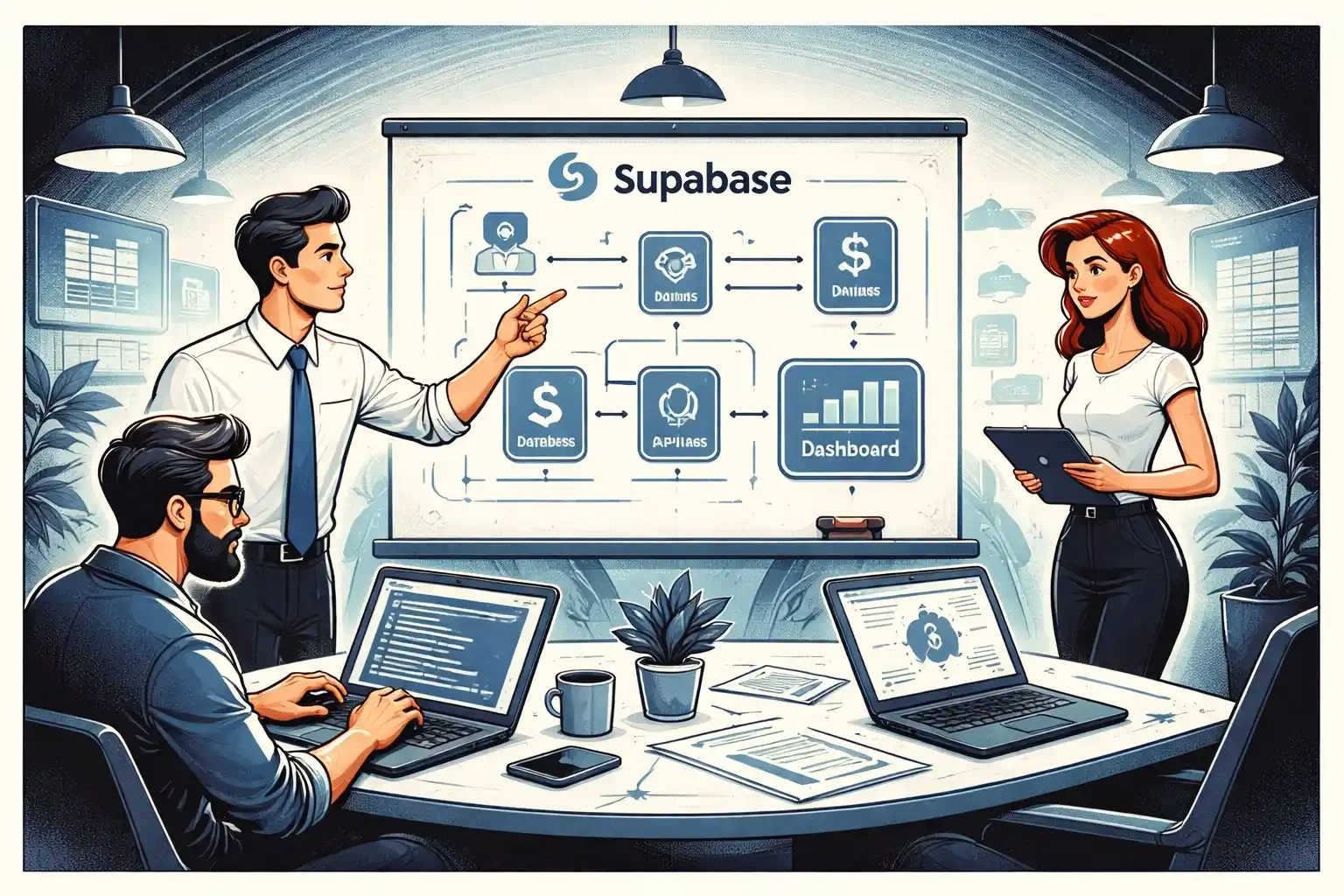
For MVPs, relational databases like PostgreSQL (used by Supabase) are the most flexible and future-proof.
Database mistakes are extremely costly later — especially for SaaS and marketplaces.
4. APIs — the connectors
APIs allow:
- frontend ↔ backend communication
- integration with third-party services
- linking different parts of your system
APIs matter because your app will eventually need:
- payments (Stripe)
- notifications (Twilio, Firebase)
- file storage
- external data
- AI integrations
A well-structured architecture makes adding integrations easy.
If you're evaluating mobile frameworks instead, “React Native vs Flutter for Startup App Development in 2025” explains how APIs fit those ecosystems.
5. Authentication & Roles — who can do what
This includes:
- login/sign-up
- passwordless or OAuth
- role-based permissions (admin, user, vendor, etc.)
- access control rules
Bad permission systems lead to:
- leaked data
- security risks
- compliance issues
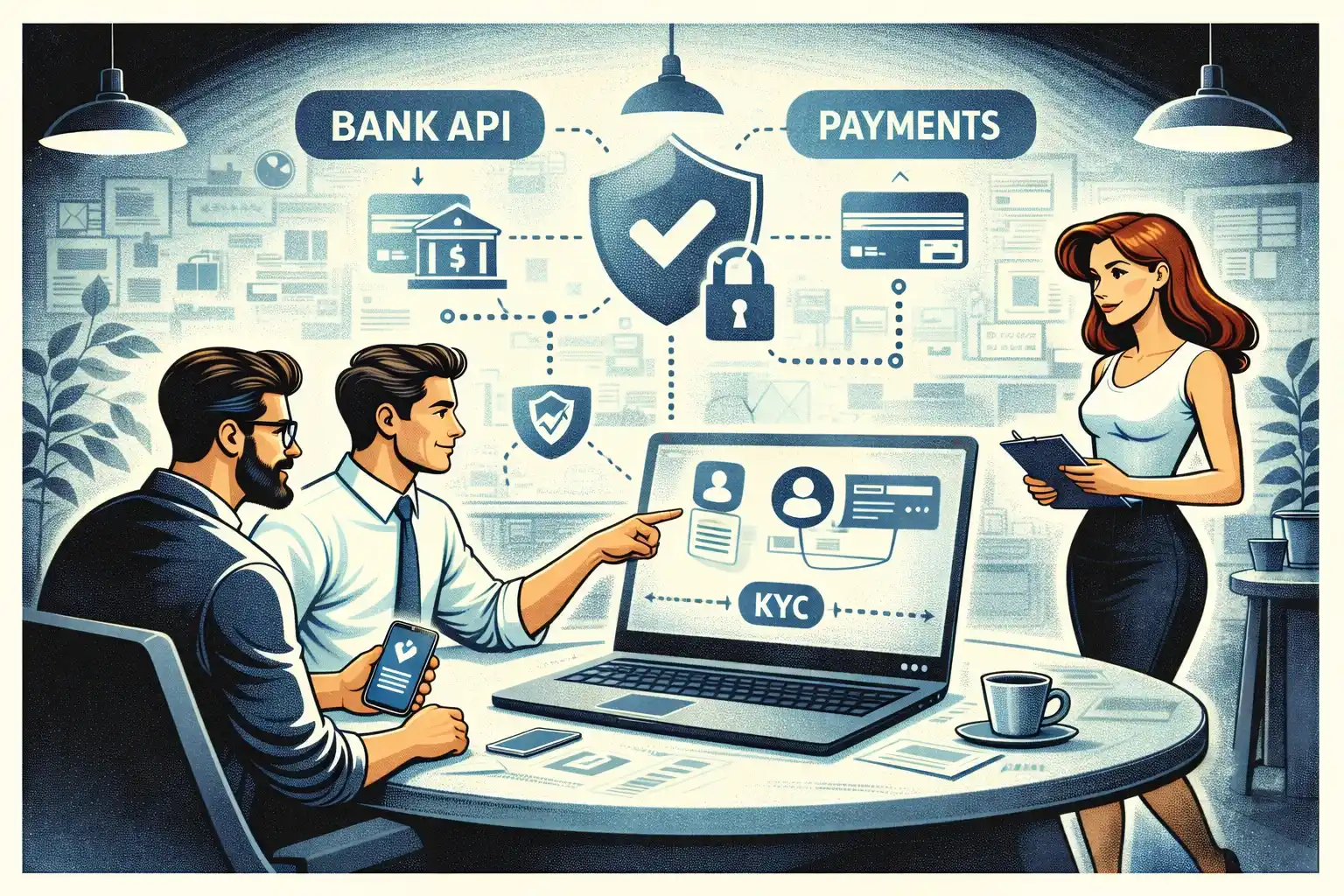
If your app involves regulated sectors like fintech or healthcare, permissions and audit logs matter even more. For that, see “Fintech and Healthcare MVP Development: How Compliance Changes the Plan”.
6. Hosting & Infrastructure — where your app lives
Your web app runs on servers. The modern approach is cloud hosting (Vercel, Netlify, AWS, Supabase).
Hosting choices impact:
- speed
- uptime
- scaling
- deployment ease
Founders typically don’t choose infrastructure — your development team does — but you should know why it matters.
7. Scalability — will your app break or grow?
Your MVP doesn’t need to scale to millions of users.
But it must:
- handle growth from 50 - 500 users
- avoid architecture traps that force a rebuild
- remain flexible so you can iterate quickly
Scalability is often misunderstood. Startup scalability is not “big tech level” — it’s:
“Can this architecture support our next 12–18 months without falling apart?”
8. Security basics — don’t ignore this part
Security isn’t optional. Even MVPs must protect user data.
Minimum requirements:
- encrypted passwords
- HTTPS
- secure database rules
- sanitized inputs
- limited admin access
If your app handles financial or medical data, security becomes part of your core architecture — not an afterthought.
Common Architecture Mistakes Non-Technical Founders Make
Mistake 1 — Trying to scale before validating
Don’t design for a million users before you have ten.
Mistake 2 — Overbuilding dashboards, filtering, and permissions
This inflates cost and delays launch.
See “MVP Development for Non-Technical Founders: 7 Costly Mistakes” — overcomplication is mistake #3.
Mistake 3 — Choosing the wrong backend
Supabase vs Firebase is a common issue. Wrong choice often forces a rebuild.
Mistake 4 — No clear documentation
This leads to miscommunication with developers.
Mistake 5 — Adding features just because competitors have them
Your MVP should be smaller, not larger, than the final product.
What a good web app architecture looks like (explained simply)
A healthy architecture has:
1. Clean frontend
Fast, simple, intuitive.
2. Predictable backend
Handles logic without chaos.
3. Organized database
Clear, relational, scalable.
4. APIs ready for integrations
Makes your app extendable.
5. Secure authentication
Protects users and data.
6. Cloud hosting
Reliable, fast deployments.
7. Clear documentation
So any new developer can pick up the project quickly.
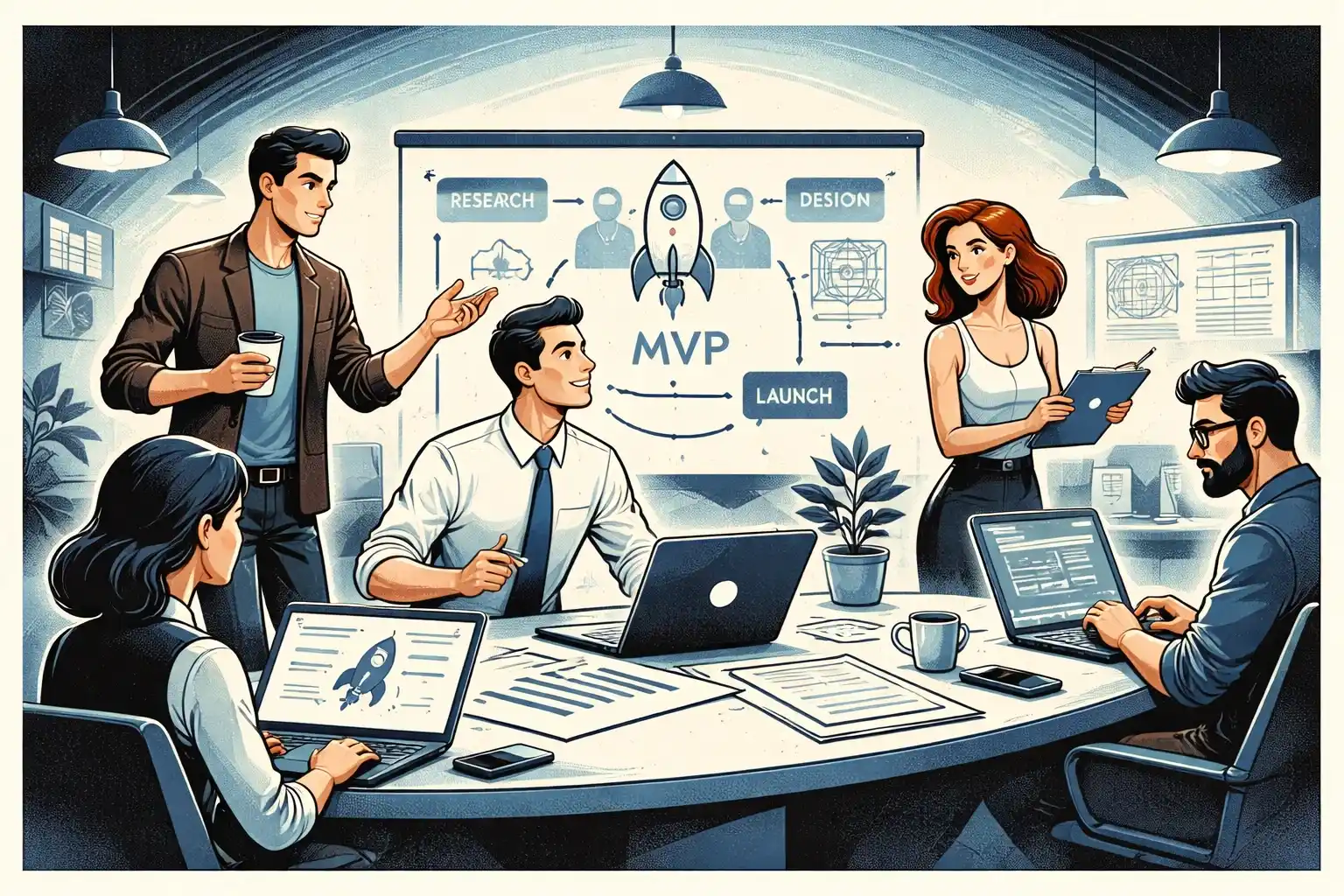
This structure supports both MVP speed and long-term growth.
Want expert guidance on designing the right architecture for your MVP?
At Valtorian, you work directly with the founders — a designer and a developer who’ve built 70+ MVPs for startups around the world. We help you define the leanest architecture that supports fast development and future scaling.
Book a call with Diana
We’ll map your idea into a clean, scalable web architecture — no tech overwhelm.
FAQ — Web App Architecture for Non-Technical Founders
Do I need to understand architecture to build an MVP?
Not deeply — but understanding the basics prevents costly mistakes.
What’s the simplest stack for MVP web apps?
A React-based frontend + a managed backend like Supabase is a strong, future-proof choice.
What affects cost more: frontend or backend?
Backend — especially business logic and integrations.
Should my MVP be built for scale?
Only to a reasonable degree. Avoid enterprise-level architecture before traction.
Do all web apps need authentication?
No — but most SaaS and marketplace products do.
Can I convert a web app into a mobile app later?
Yes. Many startups start with web and add mobile once demand is validated.
How do I avoid architecture debt?
Choose a simple, modern stack and avoid overcomplicating v1.
















































.webp)




.webp)