.webp)
AI Costs for Startups in 2026: What Drives Spend
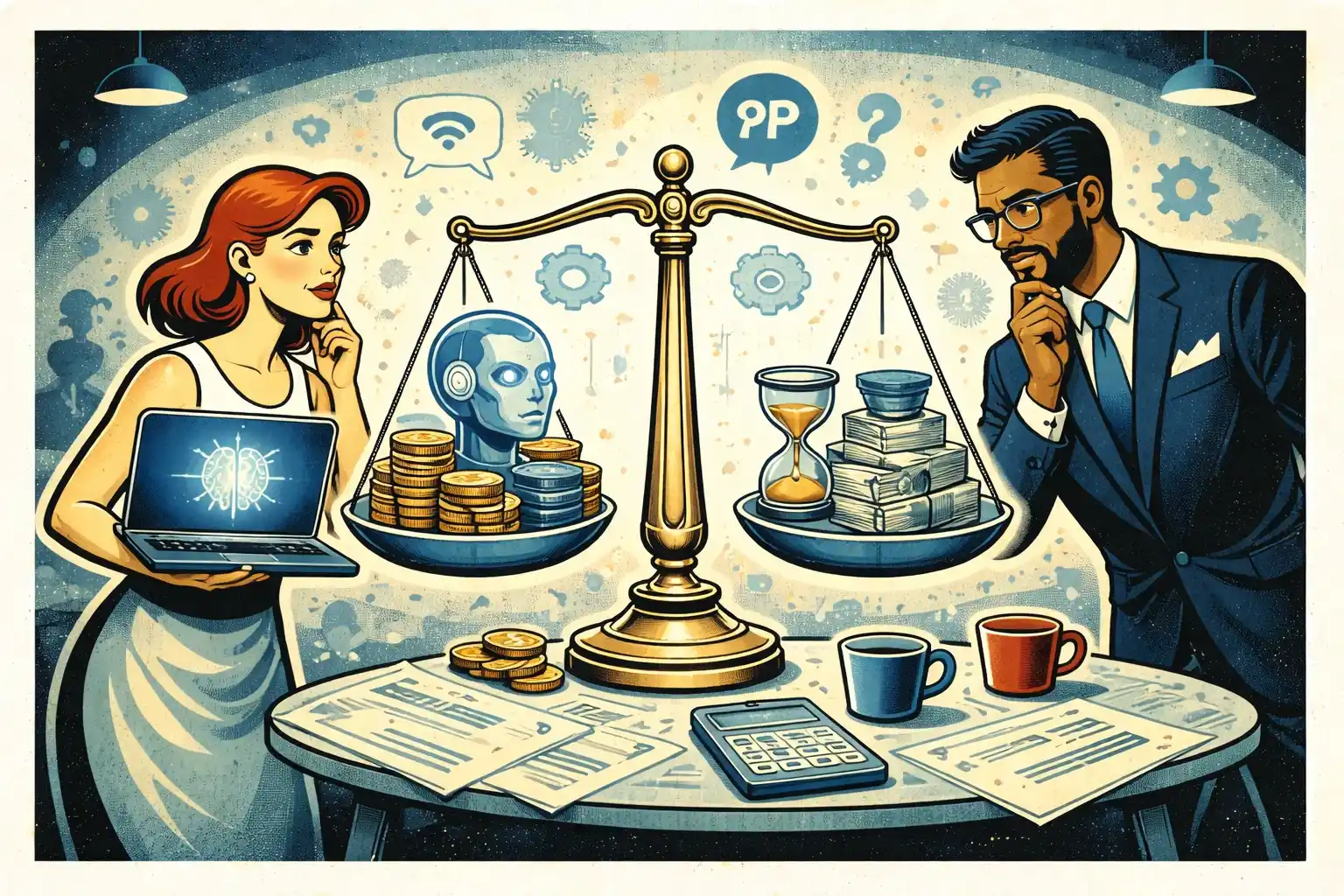
AI costs can look simple at first — “we just call a model API.” Then the bill grows: retries, larger contexts, embeddings, retrieval, tool calls, evaluation runs, and the infrastructure needed to keep outputs reliable. This article explains what actually drives AI spend for startups in 2026, how product decisions multiply costs, and what a “cost-safe” MVP setup looks like. You’ll learn where founders overspend early, what to measure, and which levers reduce cost without hurting user value.
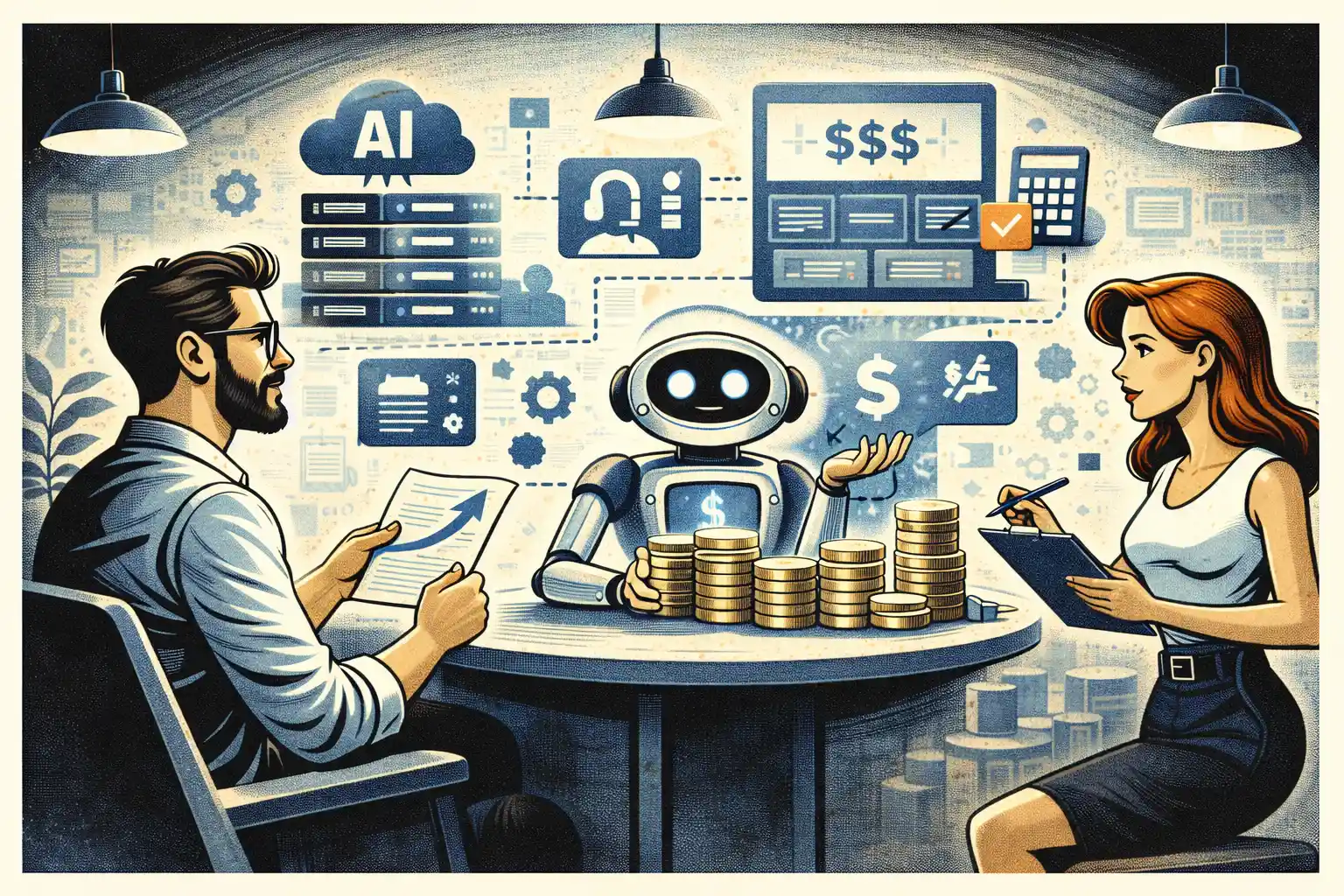
TL;DR: AI spend in 2026 is usually driven by product design, not just model pricing: long prompts, multi-step workflows, high-frequency usage, and poor caching multiply inference. The next biggest drivers are retrieval/embeddings, storage, observability, and evaluation runs. If you design for short time-to-value, narrow AI scope, and measurable reliability, you can keep costs predictable while still shipping a strong MVP.
The mistake founders keep making: treating AI costs like a “line item”
Most founders assume AI spend is “the model bill.”
In reality, AI costs are a system:
- Inference (tokens, images, tool calls)
- Retrieval (embeddings + vector search)
- Product workflow (how many calls per user action)
- Reliability layer (fallbacks, retries, guardrails)
- Observability + evaluation (logging, replay, experiments)
So the real driver isn’t “which model?” — it’s “how your product uses it.”
If you want a practical lens on choosing AI features that actually change user behavior, start with AI MVP Features in 2026: What’s Worth Building.
The 7 biggest cost drivers in AI products
No tables — just the real list founders should understand.
1) Calls per user action (the hidden multiplier)
One user click can trigger:
- a classification call
- retrieval
- a generation call
- a safety/refusal call
- a formatting call
Even “small” features become expensive when they chain multiple steps.
Founder rule: count calls per outcome, not calls per session.
2) Context length and token growth
Costs rise fast when you:
- send long histories
- include full documents every time
- keep adding instructions instead of simplifying the workflow
Common causes of token bloat:
- “memory” implemented as raw chat history
- attaching verbose templates to every call
- dumping logs and documents into the prompt
Cost-safe pattern:
- keep prompts short
- store structured state outside the prompt
- send only what the model needs for the current step
3) Retrieval and embeddings (the quiet always-on cost)
Once you add RAG or “knowledge,” you pay for:
- embedding generation for documents
- storage for vectors
- vector search queriesn- re-embedding when content changes
Embeddings are usually cheap per unit, but they become meaningful at scale because they’re used constantly.
If you’re building an MVP backend and want predictable architecture choices, see Supabase MVP Architecture in 2026: Practical Patterns.
4) Reliability work: retries, fallbacks, and guardrails
A product-quality AI feature is not one call.
It usually includes:
- retries with tighter constraints
- fallback models
- rule-based checks
- “human-readable” formatting and validation
Reliability is worth it — but it’s a cost driver, and founders should plan for it.
A strong way to reduce reliability spend is starting manual-first until the workflow stabilizes. See Manual-First MVPs in 2026: What to Do Before Automating.
5) Evaluation, experimentation, and QA runs
If you’re improving AI quality, you will run:
- offline eval sets
- prompt experiments
- regression tests after changes
- A/B tests
These runs can consume more tokens than your users at early stage.
Founder rule: don’t evaluate everything — evaluate the outcome that drives retention or revenue.
6) Observability: logging, tracing, and replay
To debug and improve AI behavior, teams log:
- prompts and responses (or redacted versions)
- latency and error rates
- tool calls and results
- user feedback signals
This adds:
- storage cost
- data processing cost
- engineering time
But without it, you’ll spend even more shipping blind fixes.
If you’re unsure what to track early, use MVP Analytics in 2026: Events to Track Early as your baseline.
7) UX decisions that increase usage frequency
The most expensive AI products are the ones users love—because they’re used constantly.
Cost drivers that come from UX:
- auto-refreshing answers
- background suggestions
- “AI everywhere” UI that triggers calls on every screen
- low-friction loops that run without a strong value gate
This is why cost strategy is product strategy.
What “cost-safe MVP” looks like in 2026
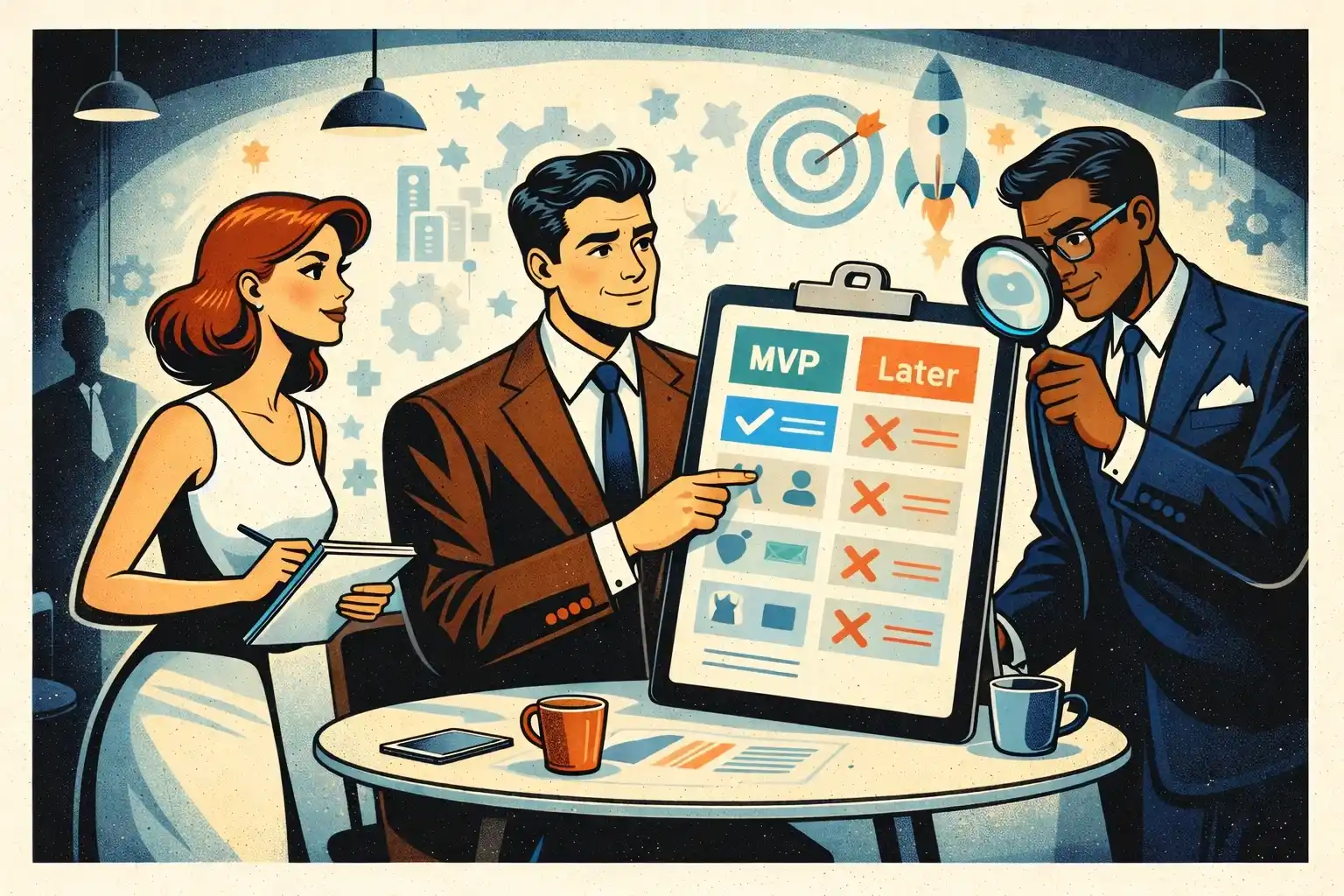
A cost-safe MVP does three things:
- Limits AI to one core outcomeYou pick one outcome the AI improves and ship it end-to-end.
- Keeps the workflow narrow and repeatableLess branching, fewer multi-step chains, fewer retries.
- Builds a fallback pathIf AI fails, the user still gets value (manual fallback, templates, human review, or a simpler deterministic path).
If you want the bigger build approach that reduces waste, Full-Cycle MVP Development: From Discovery to First Paying Users is the right companion.
Practical levers that reduce AI spend without killing value
Reduce call count, not just token count
- Merge steps where possible
- Avoid calling AI for “UI glue” logic
- Use deterministic rules for simple decisions
Cache outcomes that users repeat
- Cache stable results
- Cache retrieval results for the same query window
- Cache embeddings and avoid re-embedding unnecessarily
Make the user provide better inputs
Better input means fewer retries.
- constrain options
- add lightweight validation
- guide the user to provide the minimum required context
Use progressive disclosure
Don’t run expensive AI steps until the user proves intent.
- preview first
- run “full” generation after a confirm step
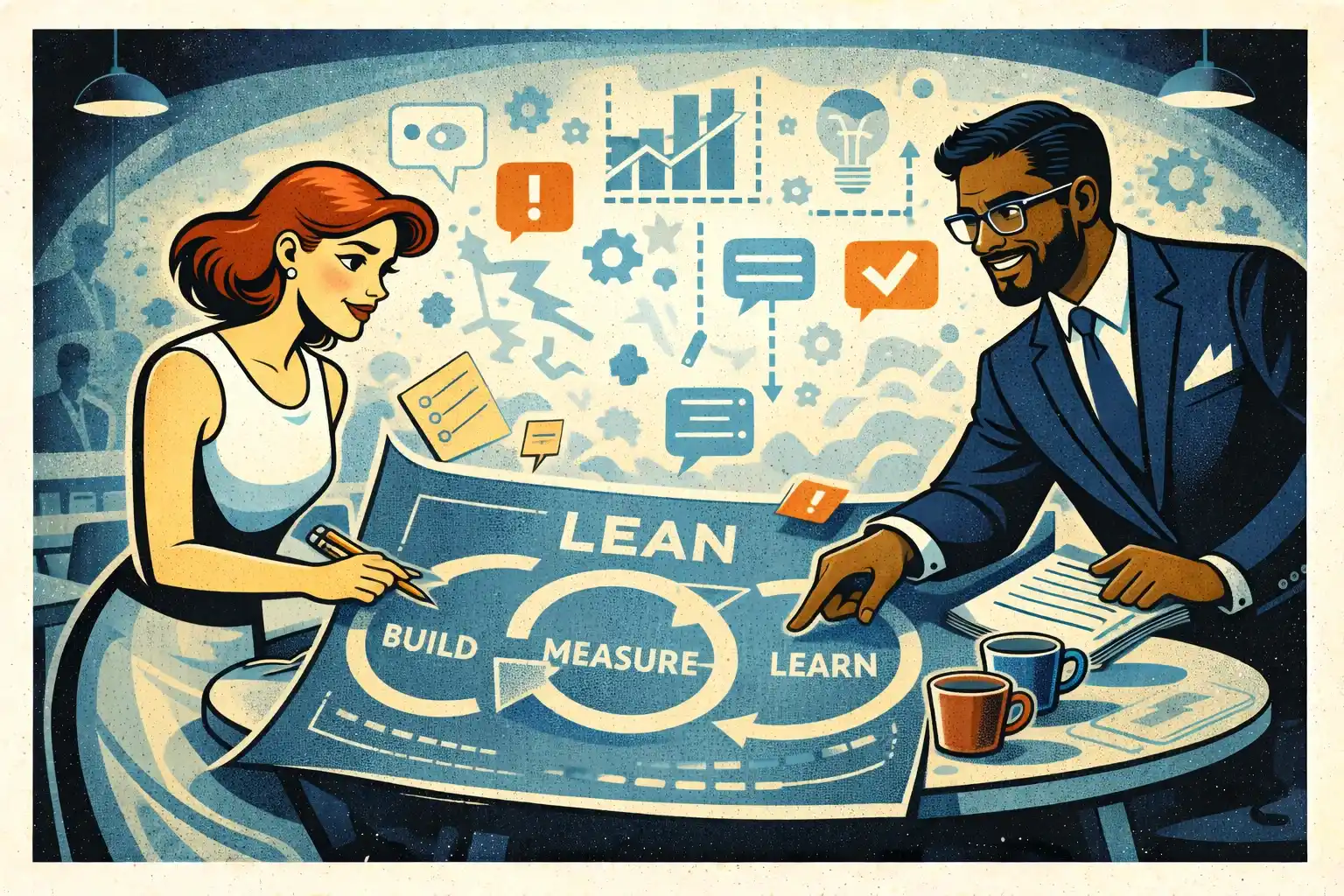
Measure cost per successful outcome
Not cost per request.
Your metric should be: cost to deliver the user’s “aha” moment.
The founder checklist: are you about to overspend?
If any of these are true, your costs will climb:
- You can’t explain how many model calls happen per core outcome
- You keep adding prompt instructions instead of simplifying the workflow
- You’re embedding everything “just in case”
- You don’t have a fallback when output is wrong
- You’re running evals constantly without a clear success metric
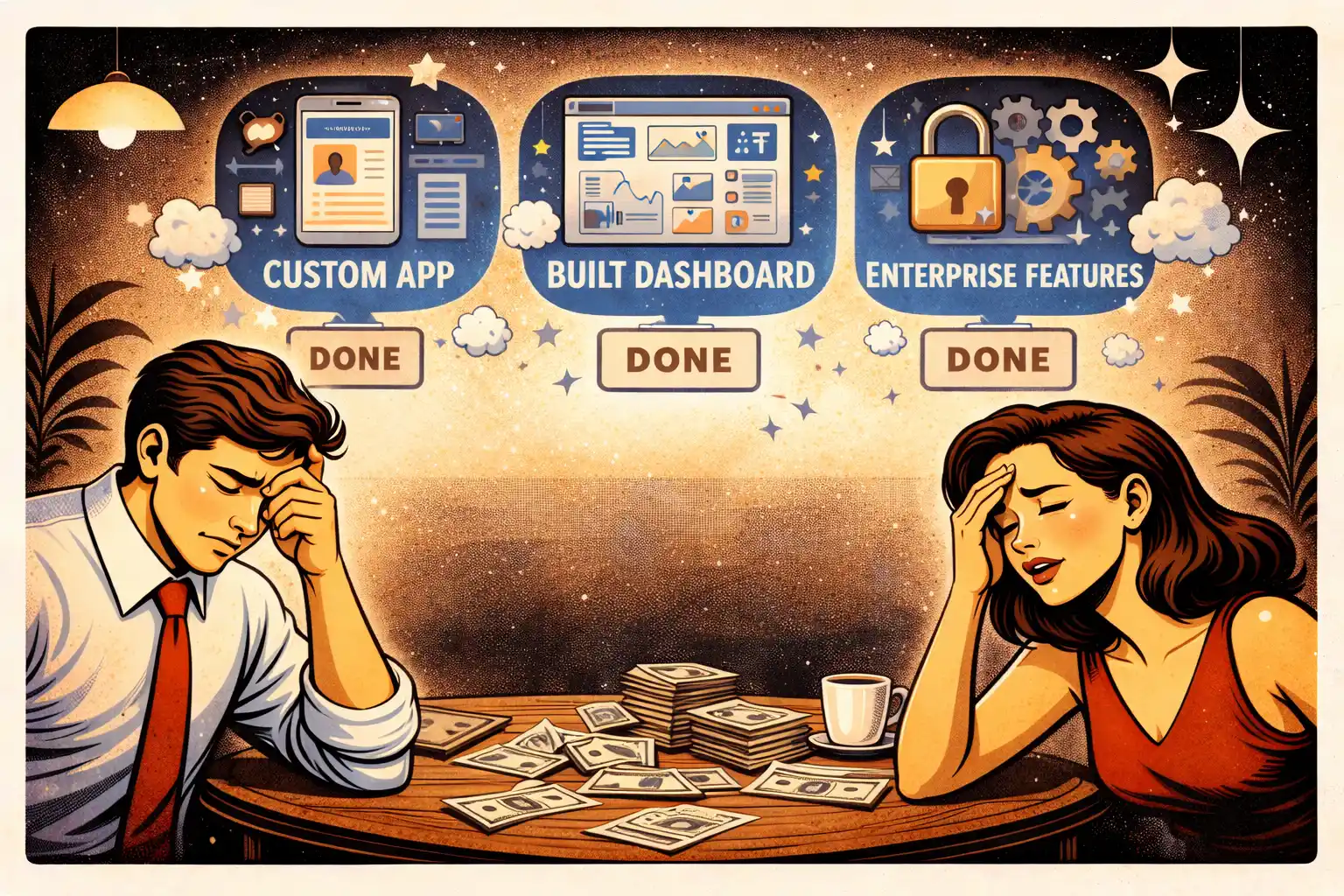
If you feel scope growing because “AI makes it easy,” that’s usually scope creep in disguise. Feature Freeze in 2026: Stopping Scope Creep helps keep the boundary.
Thinking about building a cost-efficient AI MVP in 2026?
At Valtorian, we help founders design and launch modern web and mobile apps — including AI-powered workflows — with a focus on real user behavior, not demo-only prototypes.
Book a call with Diana
Let’s talk about your idea, scope, and fastest path to a usable MVP.
FAQ
What usually drives AI costs more: model choice or product design?
Product design. Calls per outcome, context length, retries, and workflow chaining usually matter more than picking a slightly cheaper model.
How can I estimate AI spend before launch?
Estimate calls per core outcome, average context size, expected daily active users, and retry rate. Then track real usage immediately and adjust.
Do I need RAG for my MVP?
Only if knowledge retrieval is essential to the core outcome. RAG adds embedding and query costs plus reliability work, so it should earn its place.
What’s the simplest way to reduce AI costs without hurting UX?
Reduce calls per outcome, keep prompts short, add caching, and gate expensive steps behind user intent.
Why do eval runs and experiments become expensive?
Because they can generate more total tokens than real users at early stage. Focus evals on the outcome that drives retention or revenue.
Should I keep a manual fallback for AI features?
Yes. A fallback protects UX and reduces expensive retry chains while you learn edge cases and stabilize the workflow.
When should I start optimizing costs seriously?
As soon as you have real usage. Early optimization is about visibility and workflow design, not micro-tuning. Measure cost per successful outcome weekly.








































.webp)




.webp)