.webp)
Reducing MVP Rework in 2026: Key Decisions
Rework doesn’t come from “bad developers.” It comes from unclear decisions that surface late: what the user actually needs first, what data the product must store, how many roles you’re supporting, and what counts as “done.” In 2026, teams can build faster — but they can also iterate in the wrong direction faster. This article explains the specific decisions that prevent expensive rewrites, how to make them without heavy bureaucracy, and what to document so your MVP stays on track.

TL;DR: Most MVP rework is caused by late scope changes, unclear roles, and missing product rules — not by coding speed.If you lock a small set of decisions early (core loop, data, permissions, integrations, and “definition of done”), you prevent the majority of rewrites.
Why MVP rework happens (the real root cause)
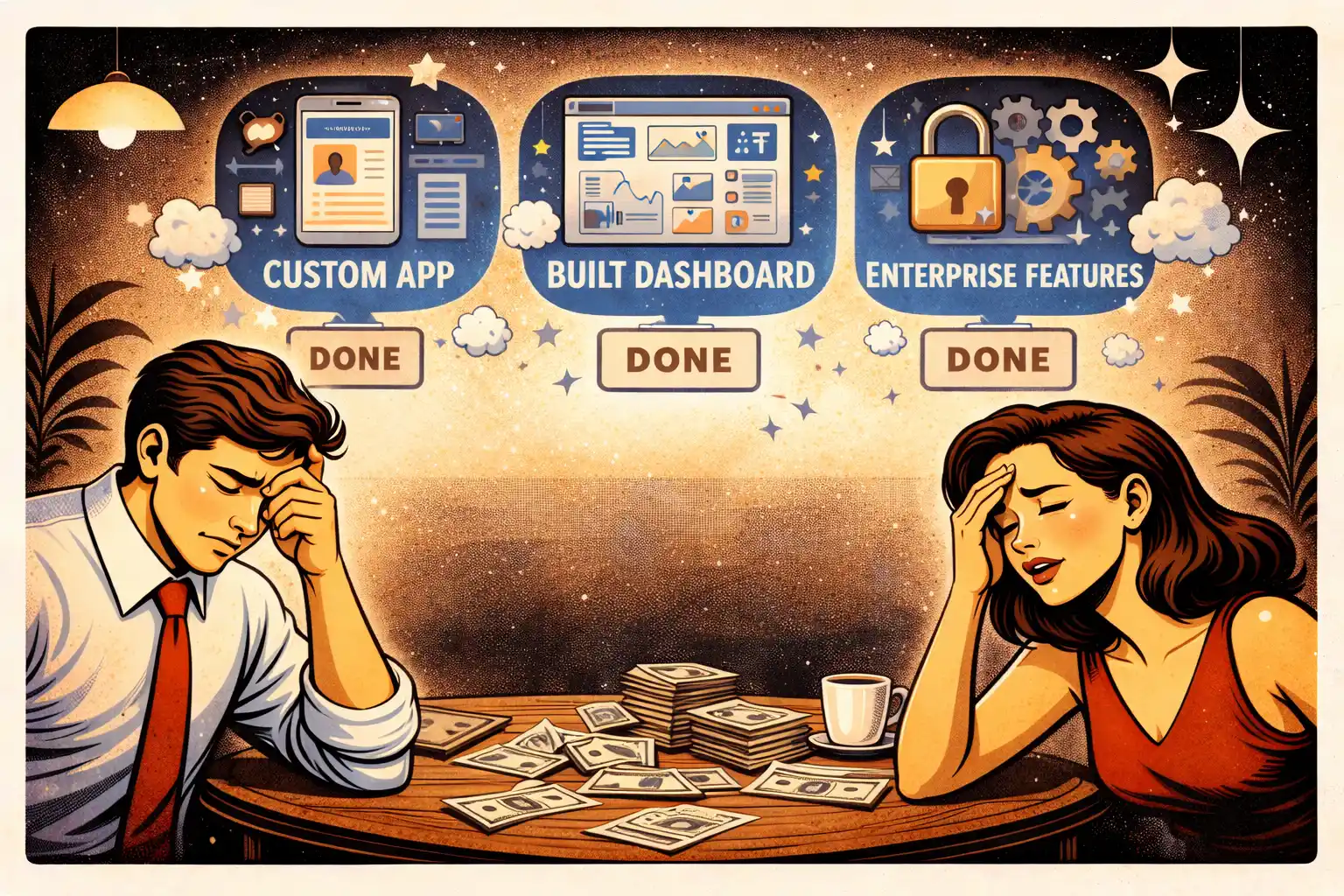
Rework is rarely a “bug.” It’s usually a decision that wasn’t made.
Common examples:
- You build onboarding, then realize you need a different pricing model.
- You ship a dashboard, then discover you can’t measure activation.
- You build two user roles, then learn one role doesn’t even need an account.
- You integrate a third-party tool, then the team spends weeks handling edge cases.
Rework is expensive because it compounds:
- changes break other flows
- QA takes longer
- timelines stretch
- founders lose confidence
If this pattern sounds familiar, you’ll recognize it in Why MVPs Still Fail in 2026.
The “minimum decision set” that prevents most rewrites
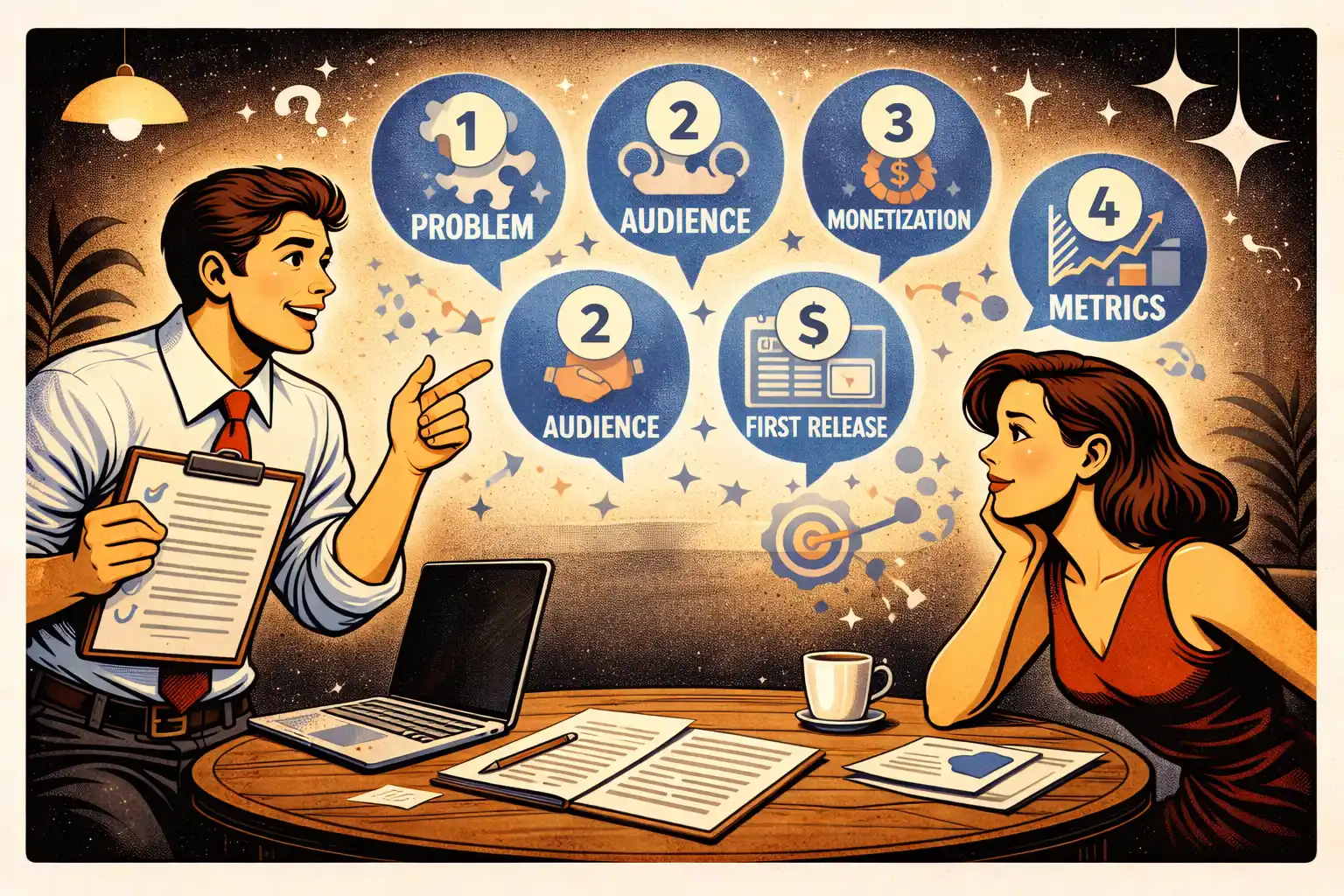
You don’t need a 40-page spec. You need a short set of decisions that stop the team from guessing.
1) One core loop (not a feature list)
A feature list is not a product.A loop is:
- who the user is
- what they do first
- what success looks like
- what makes them come back
Write your loop in one sentence.Example format: “A [user type] comes to [do X], gets [result], and returns when [trigger].”
If you can’t define that yet, start with MVP Development for Non-Technical Founders: 7 Costly Mistakes (it shows where founders typically overbuild).
2) One primary user role in v1
Most timelines explode because roles multiply everything:
- different UI
- different permissions
- different edge cases
- a larger QA matrix
A practical approach:
- pick one primary role that reaches value first
- support other roles in the simplest possible way (sometimes even manually)
This is a “time-to-learning” decision, not a philosophical one.
3) The smallest “rules of the product”
Every MVP has rules. If you don’t write them, they appear later — through bugs and arguments.
Define rules for:
- what is required vs optional
- what users can edit
- what happens when something fails (payment, invite, upload)
- what you do with duplicates, cancellations, refunds, or no-shows (if relevant)
Keep it short. A one-page “rules list” prevents weeks of rework.
4) Your data model assumptions (before the UI expands)
Rework often starts when screens are designed without data constraints.
You don’t need database diagrams, but you do need clarity on:
- what objects exist (users, projects, listings, messages, orders)
- what relationships exist (one-to-many, many-to-many)
- what must be searchable/filterable
This is where “architecture basics” save you pain later.If you want it in plain language, use Web App Development for Startups: Architecture Basics for Non-Tech Founders.
5) The integration strategy (minimize it early)
Integrations are a classic rework trap.Not because they’re “hard,” but because they’re unpredictable.
Decide upfront:
- which integrations are mandatory for v1
- which ones can be faked/manual (temporarily)
- what happens when an integration fails
If you can avoid an integration in v1, you often cut rework dramatically.
6) The measurement plan (so priorities don’t become opinion)
If you don’t define what you’re measuring, your roadmap becomes debate-driven.
Pick:
- one activation signal (the first moment of value)
- one retention signal (what makes users return)
- one business signal (paid conversion, leads, bookings—whatever fits)
Then instrument only what supports those.A solid starting point is Your First Product Metrics Dashboard: What Early-Stage Investors Want to See.
7) “Definition of done” for each release
This is the most underrated rework killer.
For each release, define:
- the exact flows included
- success criteria (what must work)
- what counts as “good enough” visually
- what is explicitly out of scope
This keeps the team from polishing forever and the founder from adding “one more thing.”If you’re unsure what’s typically included in an MVP engagement, reference MVP Development Services for Startups: What’s Actually Included.
Two lightweight habits that cut rework immediately
These are simple, but they work.
Habit 1: A decision log
Anytime you decide something that affects scope, save it in a shared note.
Format:
- Decision
- Why
- Impact
- Date
This prevents “we never agreed on that” and stops silent scope creep.
Habit 2: Weekly scope checkpoint
Once per week:
- review new ideas
- decide: now / later / never
- update the definition of done
Daily scope debate is what slows teams down.
If you need a practical way to keep scope lean, borrow the thinking from How to Prioritize Features When You’re Bootstrapping Your Startup.
Where AI helps — and where it makes rework worse
In 2026, AI can reduce rework when it:
- speeds up prototypes
- generates boilerplate safely
- helps explore alternatives quickly
AI increases rework when it:
- encourages shipping unreviewed logic
- creates inconsistent UI patterns
- hides architectural shortcuts
The rule of thumb:Use AI to reduce repetitive work, not to replace decisions.A deeper take is in AI-Powered MVP Development: Save Time and Budget Without Cutting Quality.
Thinking about building a startup MVP in 2026?
At Valtorian, we help founders design and launch modern web and mobile apps — including AI-powered workflows — with a focus on real user behavior, not demo-only prototypes.
Book a call with Diana
Let’s talk about your idea, scope, and fastest path to a usable MVP.
FAQ
What’s the biggest cause of MVP rework?
Unclear scope decisions made late — especially roles, product rules, and what “done” means.
Do I need full specs to avoid rework?
No. A short “minimum decision set” is enough: core loop, roles, rules, data assumptions, integrations, metrics, and definition of done.
Should I start with multiple user roles if it’s a marketplace?
Only if it’s unavoidable. Most marketplaces can validate demand with one primary role reaching value first.
When does rework become a red flag?
When the same flows are rebuilt repeatedly due to changing assumptions, not because users revealed new insights.
Can AI reduce MVP rework?
Yes — if it speeds up prototypes and repetitive tasks. No — if it replaces product decisions or ships unreviewed logic.
What should I decide before design starts?
Your core loop, primary user role, product rules (required/optional), and what you’ll measure for activation.

























































.webp)




.webp)