.webp)
Web Development for Non-Technical Founders: A Step-by-Step Guide
Many non-technical founders underestimate how complex web development becomes once real users, data, and payments are involved. This guide breaks down web development into clear, manageable steps — without jargon or technical overload. You’ll learn how to plan a web product, define the right MVP scope, work with developers confidently, and avoid common mistakes that waste time and budget. The focus is on practical decisions founders must make before, during, and after development.

TL;DR: You don’t need to become a developer to build a successful web product. You do need a clear plan, the right scope, and an understanding of how web development actually works. This guide walks non-technical founders through each step — from idea to launch — without unnecessary complexity.
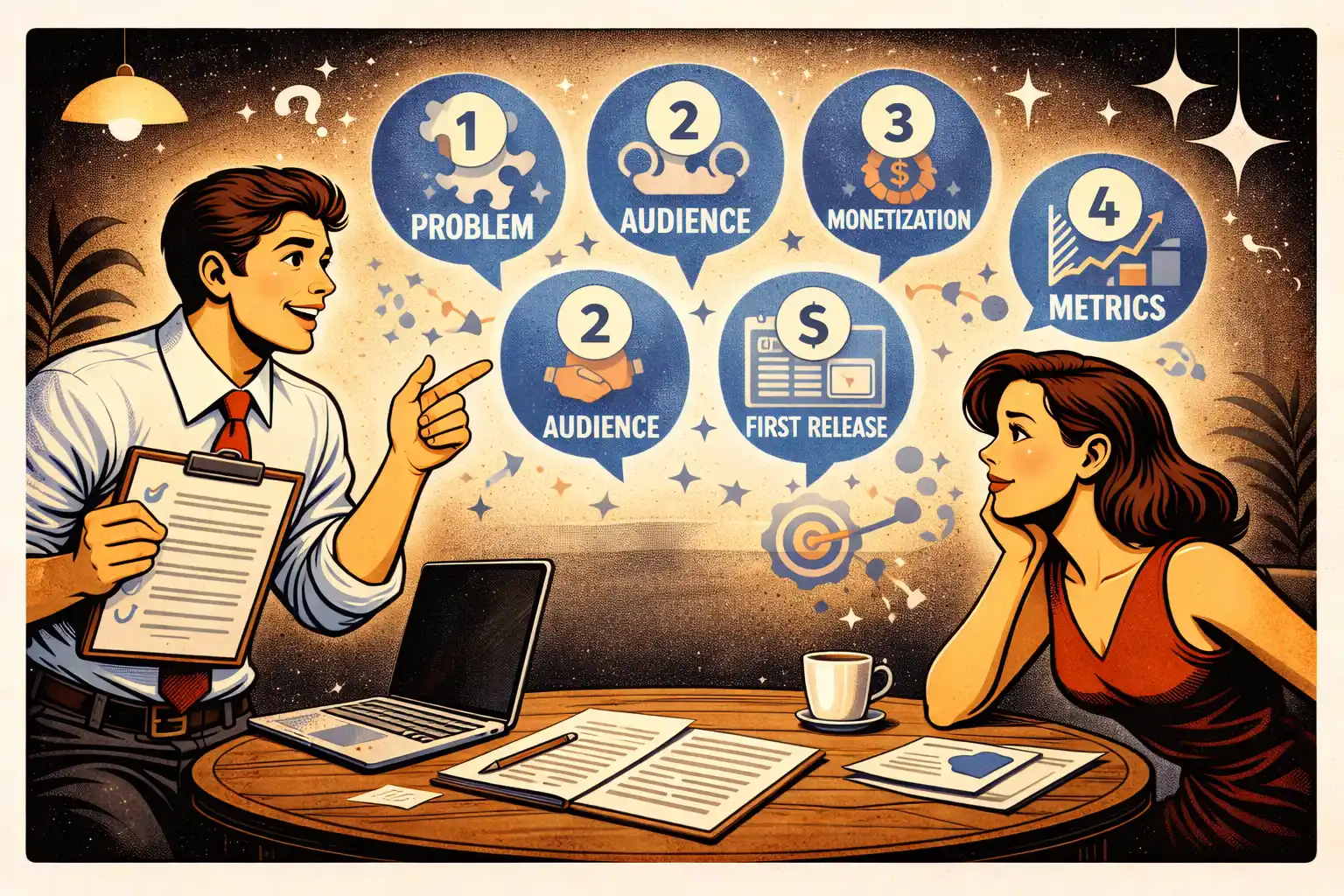
Step 1: Start with the problem, not the solution
Most web projects fail because founders start with features instead of problems.
Before writing a single requirement, define:
- who the product is for
- what problem it solves
- why existing solutions fall short
If you skip this step, no tech stack will save you.
If you’re still shaping your idea, “I Have a Startup Idea but No Developer: What to Do Next” offers a helpful starting point
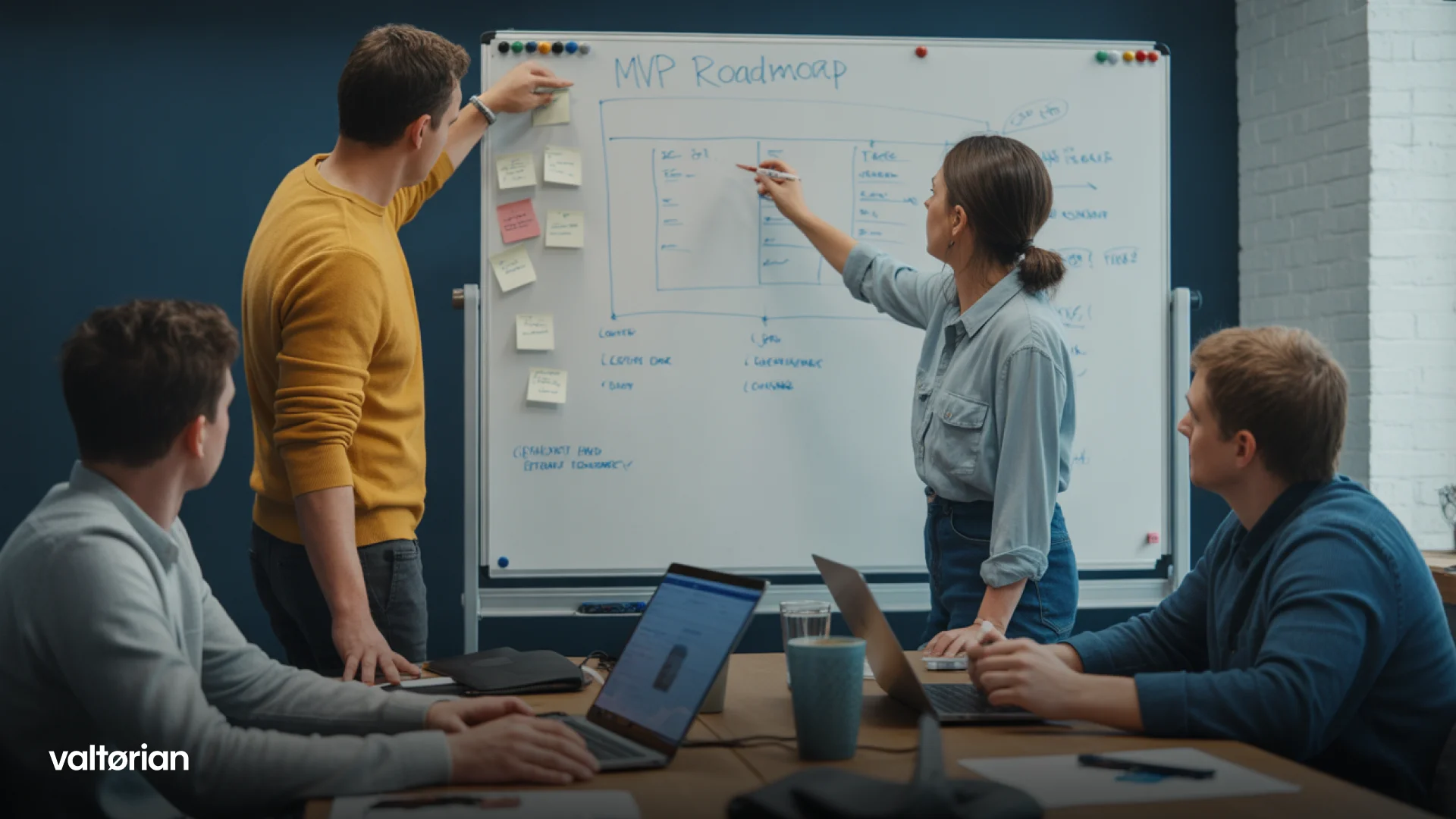
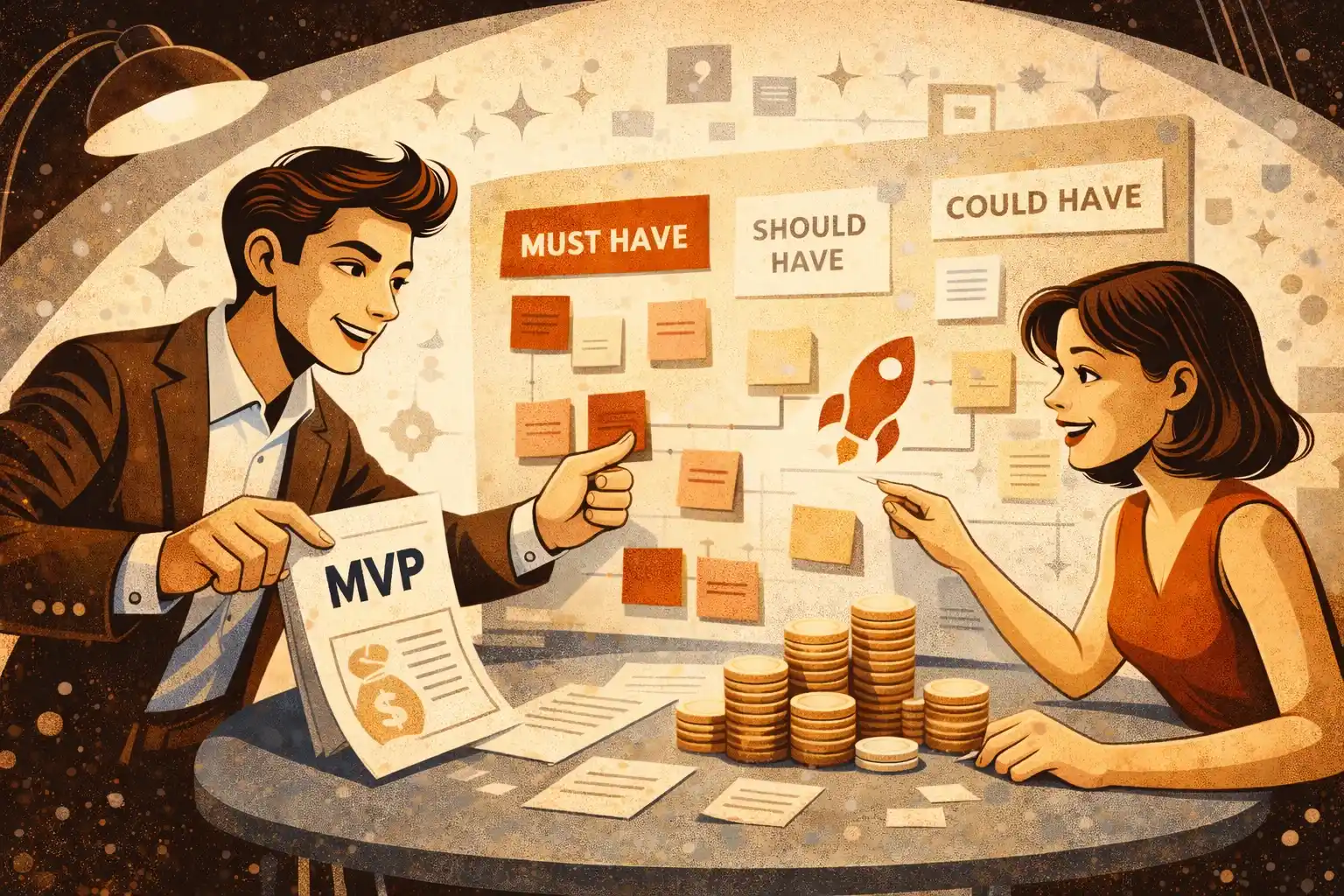
Step 2: Define what your MVP actually needs
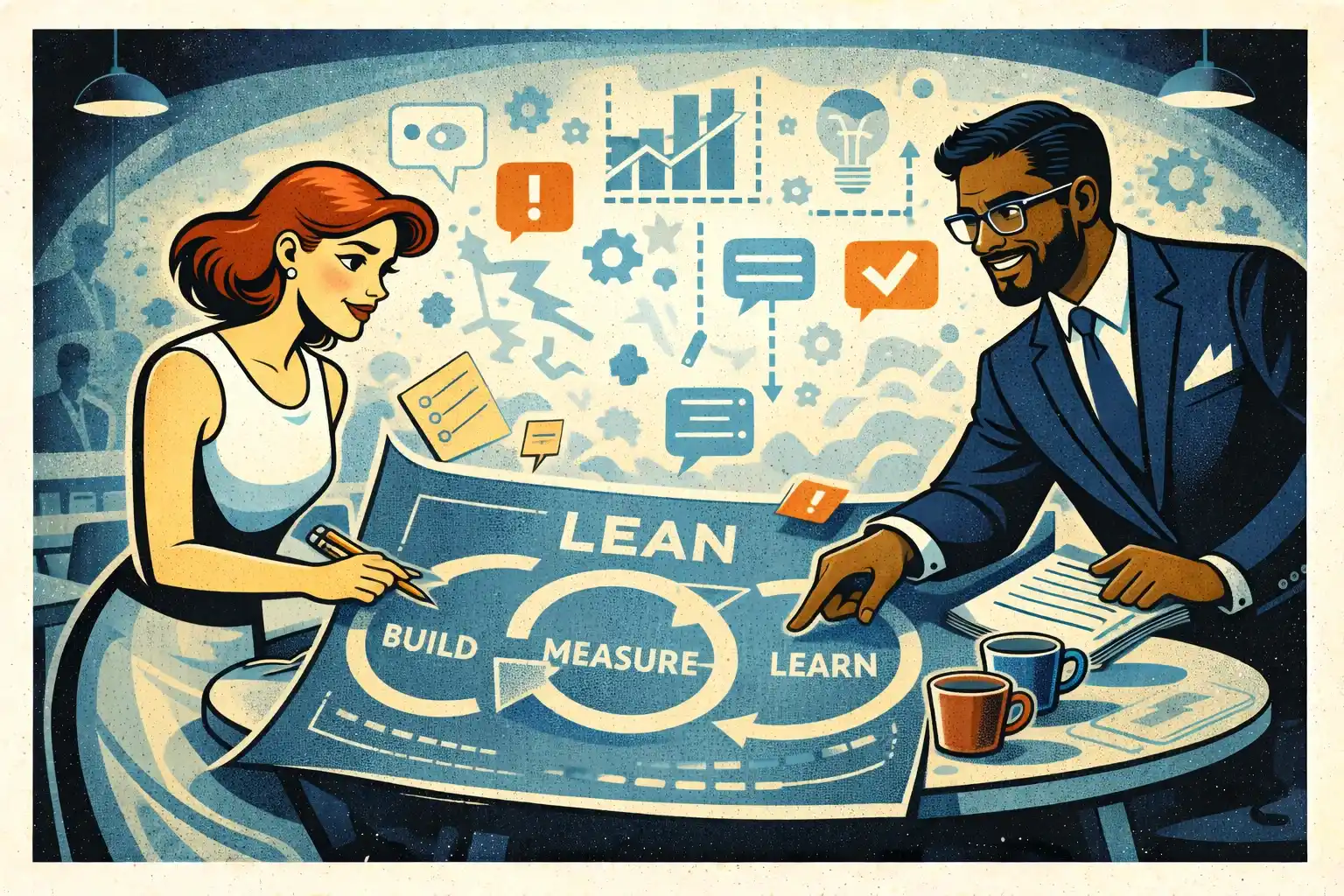
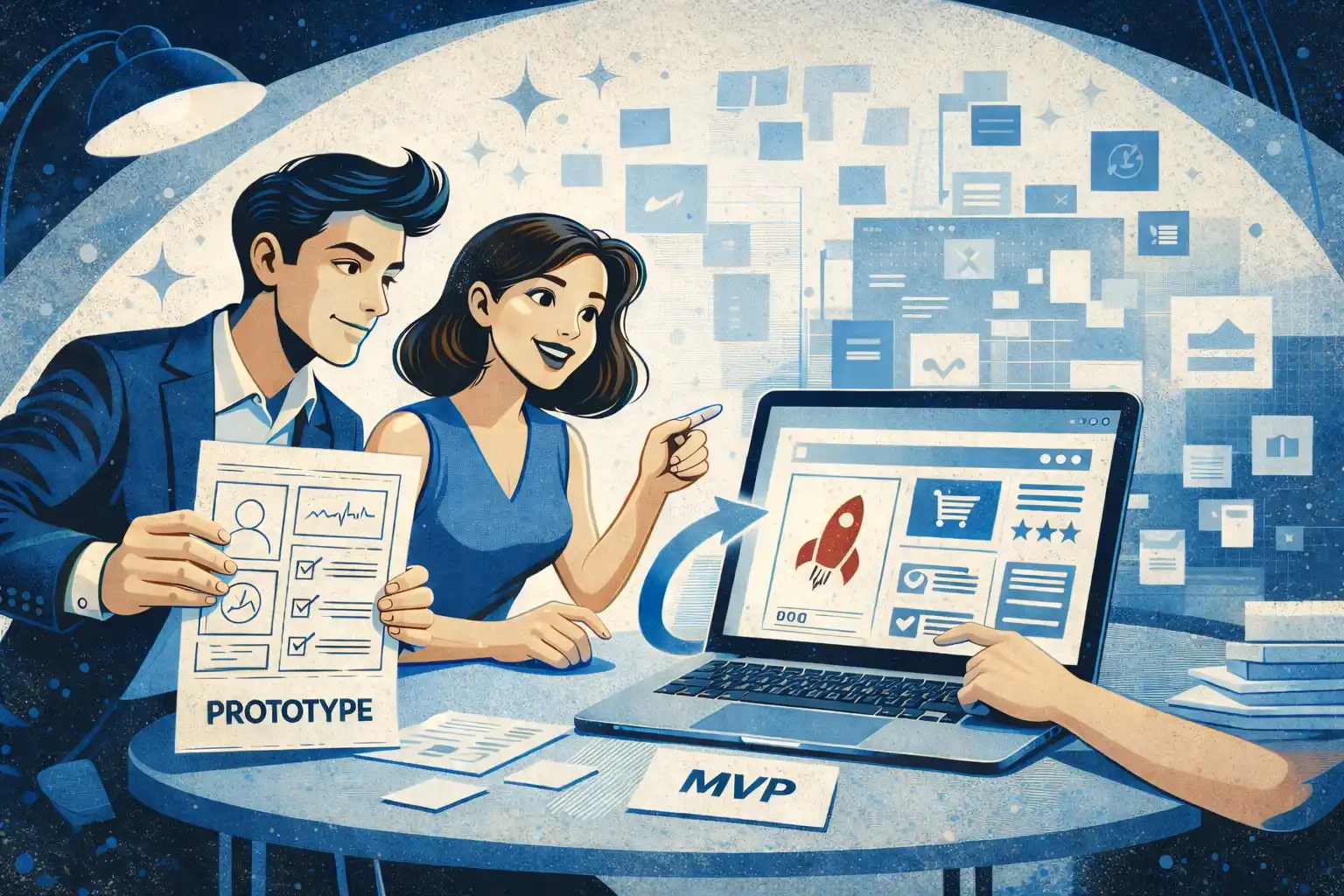
A web MVP is not a smaller version of the final product.
It’s the simplest version that proves demand.
Strong MVPs focus on:
- one primary user flow
- minimal roles and permissions
- manual work behind the scenes if needed
For a clearer breakdown of MVP scope, “MVP Development Services for Startups: What’s Actually Included” explains what belongs in v1.
Step 3: Choose web over mobile for early validation
For many startups, web is the fastest validation channel.
Web products:
- are cheaper to build than native apps
- iterate faster
- don’t require app store approvals
If you’re deciding between platforms, “App Development Cost for Startups: Web vs Mobile vs SaaS” provides useful context.
Step 4: Understand web architecture at a high level
You don’t need to design architecture — but you should understand the basics.
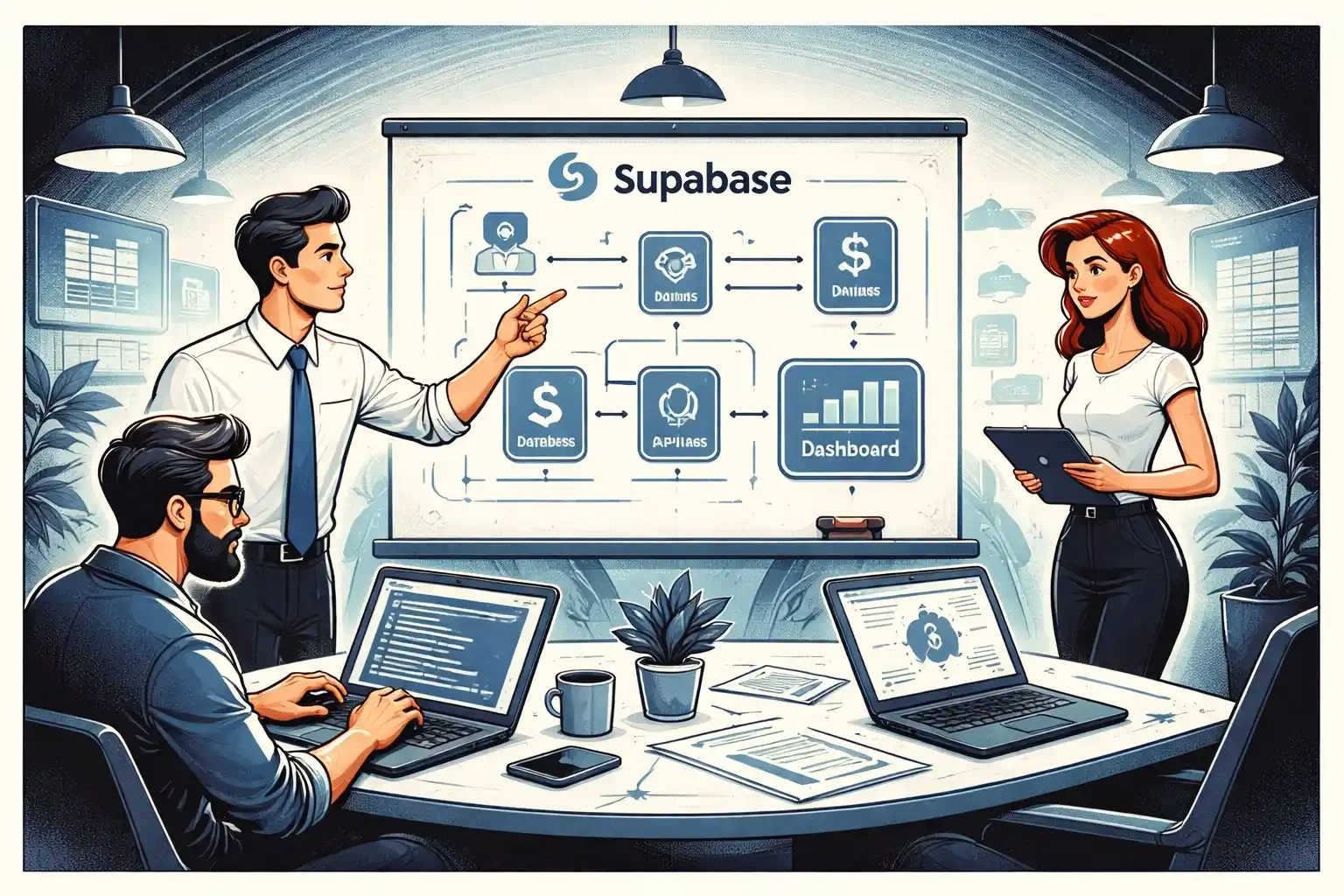
Most web products consist of:
- frontend (what users see)
- backend (logic, data, permissions)
- database (stored information)
Knowing this helps you ask better questions and avoid unrealistic expectations.
For a deeper explanation, “Web App Development for Startups: Architecture Basics for Non-Tech Founders” is a solid primer.
Step 5: Decide how you’ll build the product
Non-technical founders usually choose between:
- freelancers
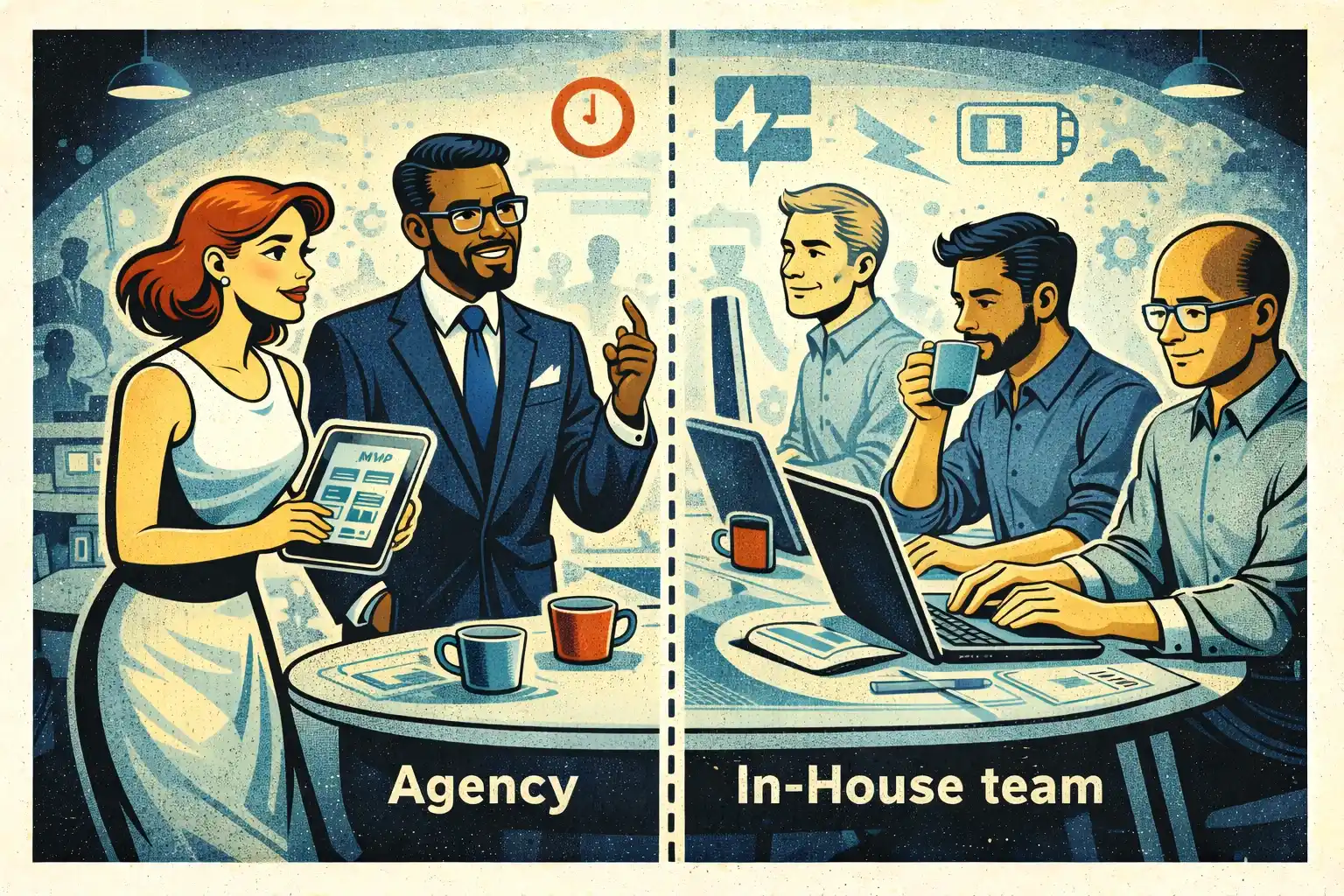
- development agencies
- small product-focused studios
Each option has trade-offs in cost, speed, and control.
If you’re unsure how to hire, “How Non-Technical Founders Can Hire App Developers for a Startup” breaks down the decision clearly.
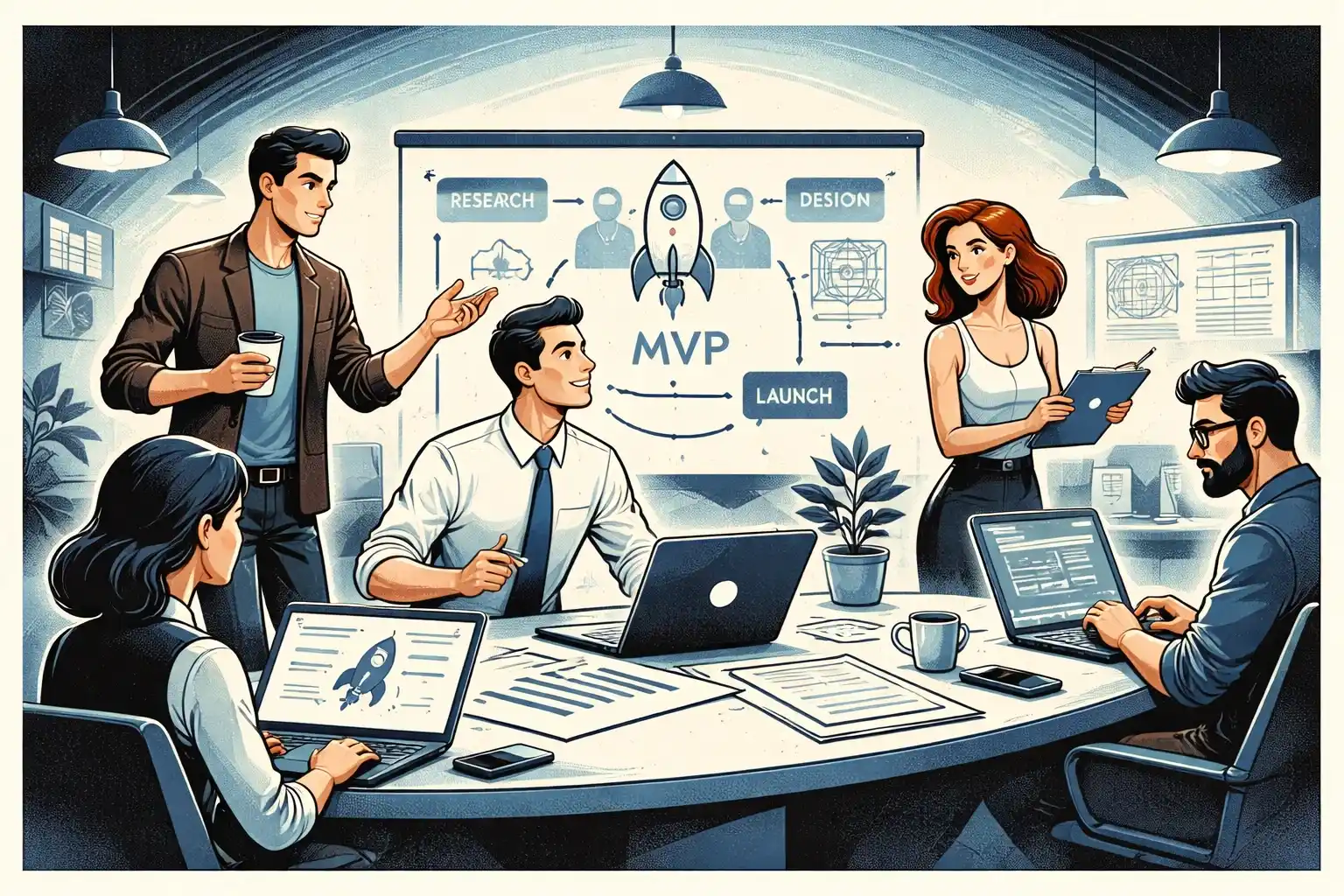
Step 6: Plan development in short, focused phases
Web development shouldn’t feel like a black box.
Healthy projects move in:
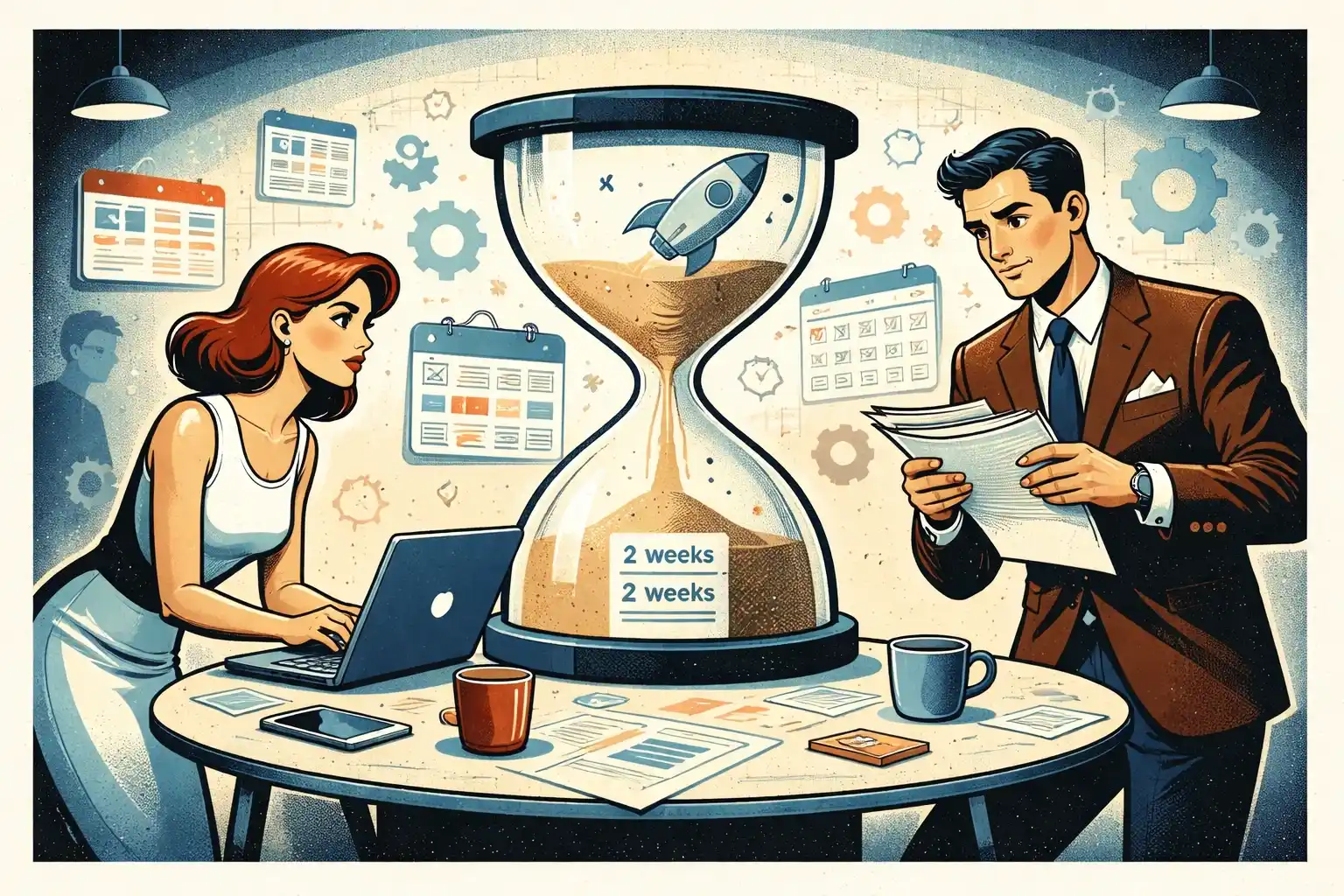
- short iterations
- frequent demos
- clear checkpoints
This keeps risk low and progress visible.
If speed matters, “How to Launch an App in Weeks: Fast MVP and First Version Launch Framework” outlines an execution-focused approach.
Step 7: Prepare for launch early
Launching isn’t the final step — it’s the beginning.
Before launch, make sure:
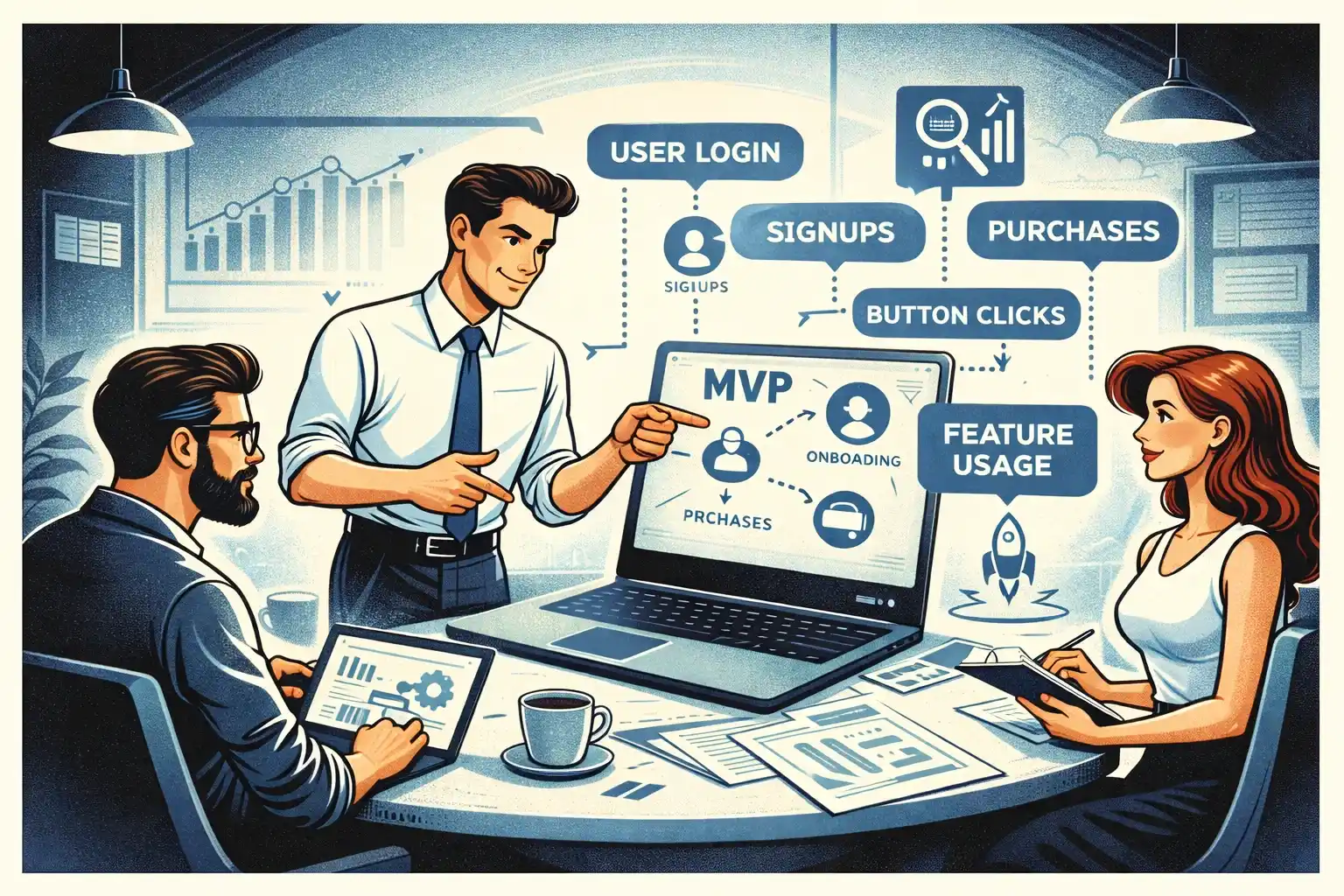
- analytics are in place
- error tracking is active
- basic support flows exist
Skipping this leads to blind decisions after launch.
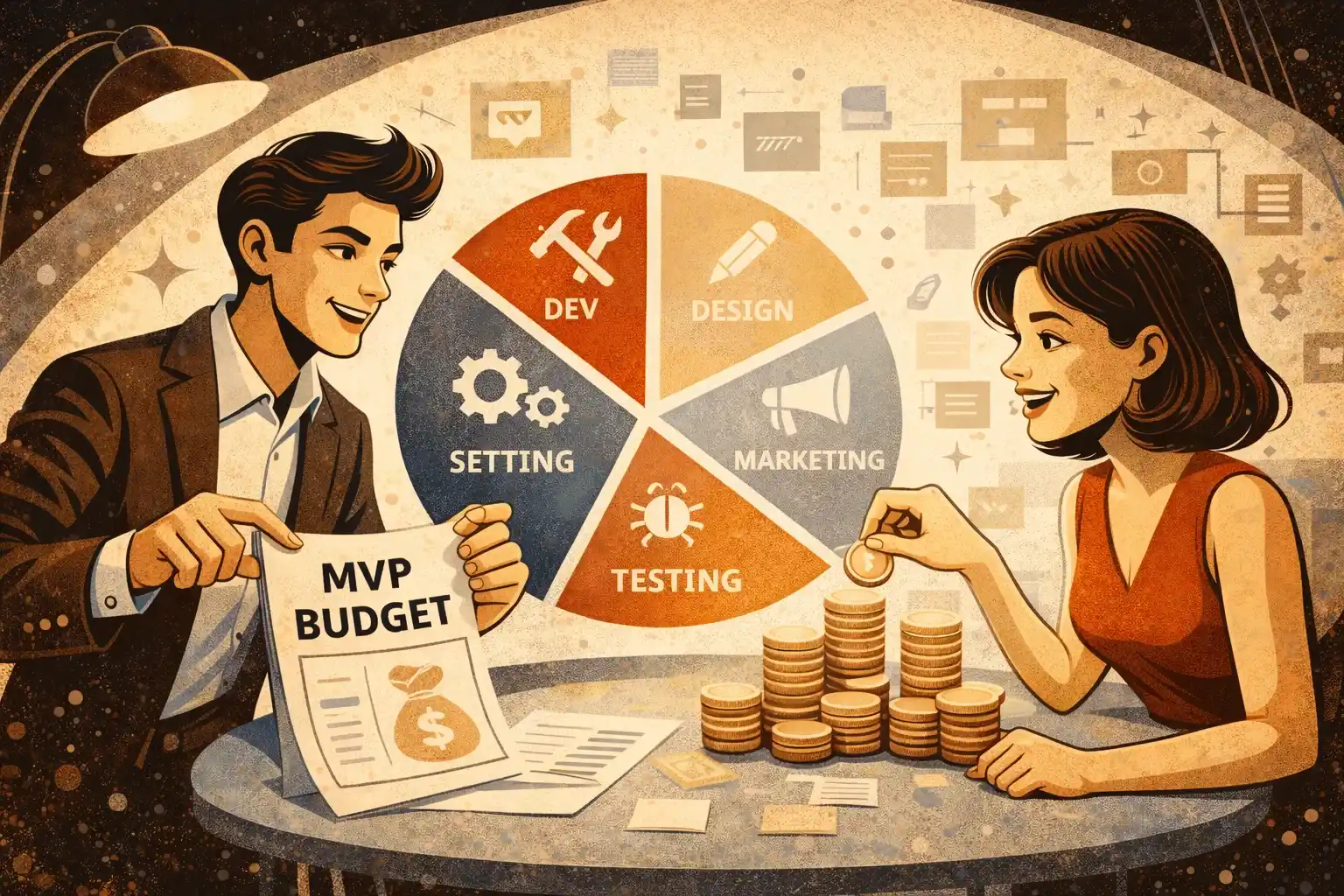
For budget planning, “MVP Development Cost Breakdown for Early-Stage Startups” offers realistic expectations.
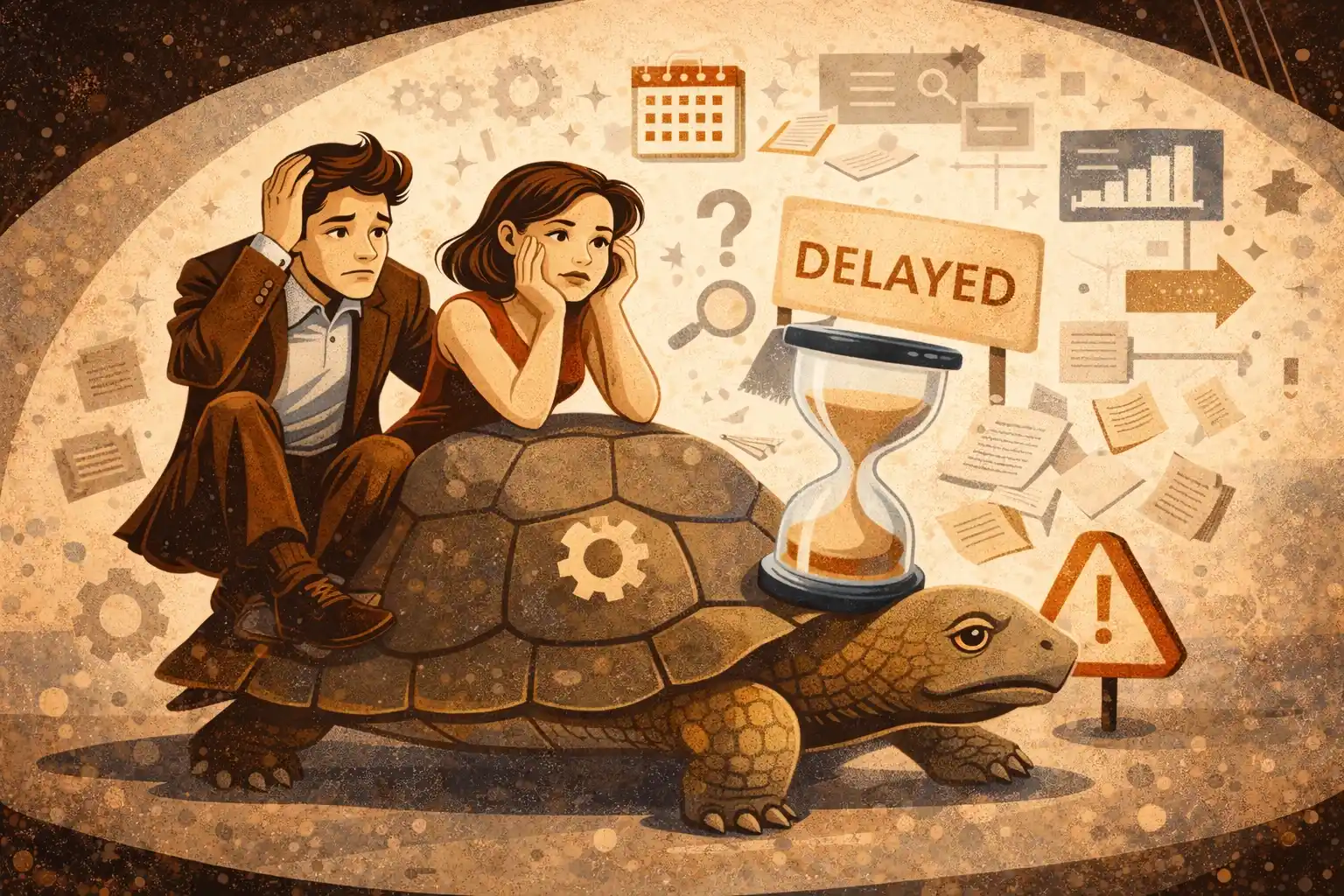
Common web development mistakes non-technical founders make
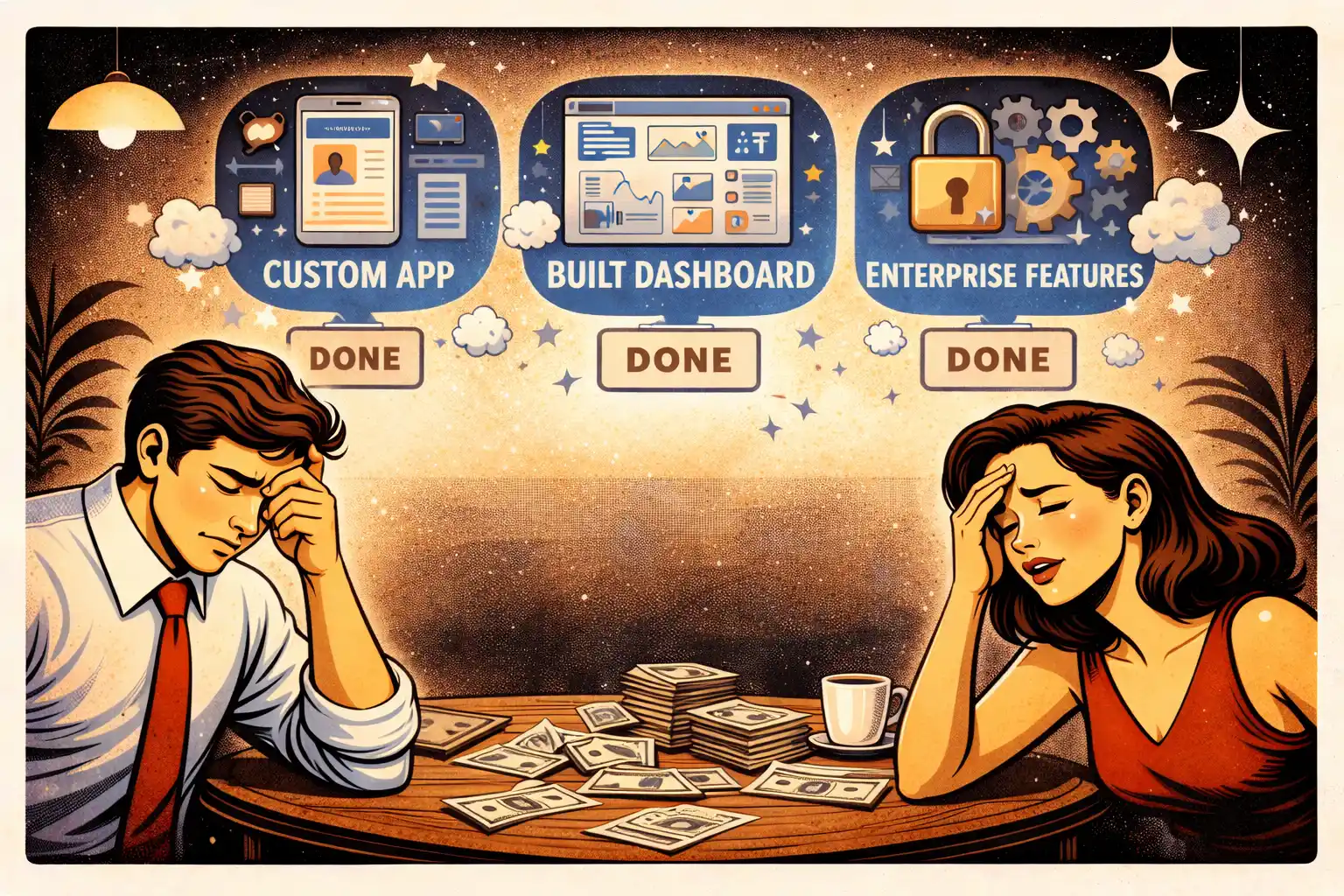
1. Overloading the first version
More features slow down validation.
2. Trusting estimates without scope clarity
Unclear requirements lead to cost overruns.
3. Treating launch as the finish line
Real work starts when users arrive.
To avoid early pitfalls, “MVP Development for Non-Technical Founders: Common Mistakes” is worth reviewing.
Final takeaway
Web development doesn’t need to be intimidating.
With clear scope, the right partners, and a step-by-step approach, non-technical founders can ship strong web products — without wasting time or budget.
Planning a web product but unsure how to move forward without technical skills?
At Valtorian, we help non-technical founders define lean web MVPs, choose the right architecture, and launch production-ready products — without overengineering.
Book a call with Diana
Get clarity on scope, timeline, and next steps.
FAQ — Web Development for Non-Technical Founders
Do I need technical knowledge to build a web product?
No. You need product clarity, not coding skills.
Is web better than mobile for MVPs?
Often yes — it’s faster and cheaper to validate.
How long does web MVP development take?
Typically 4–8 weeks depending on scope.
How do I control development costs?
Clear scope and short iterations are key.
Should I hire freelancers or a studio?
Studios are usually safer for full MVP delivery.
Can I change direction after launch?
Yes — if the product was built for iteration.
What’s the biggest mistake non-technical founders make?
Building too much before validation.











































.webp)




.webp)