.webp)
AI MVP Features in 2026: What’s Worth Building
In 2026, almost every MVP pitch includes “AI,” but most early products still fail because the AI feature doesn’t change user behavior. The goal isn’t to add AI — it’s to remove friction, create a better outcome, or unlock something users can’t get without it. This article helps non-technical founders choose AI features that are actually worth building in an MVP, spot “demo AI” traps, and decide what to keep manual-first until the workflow is proven.
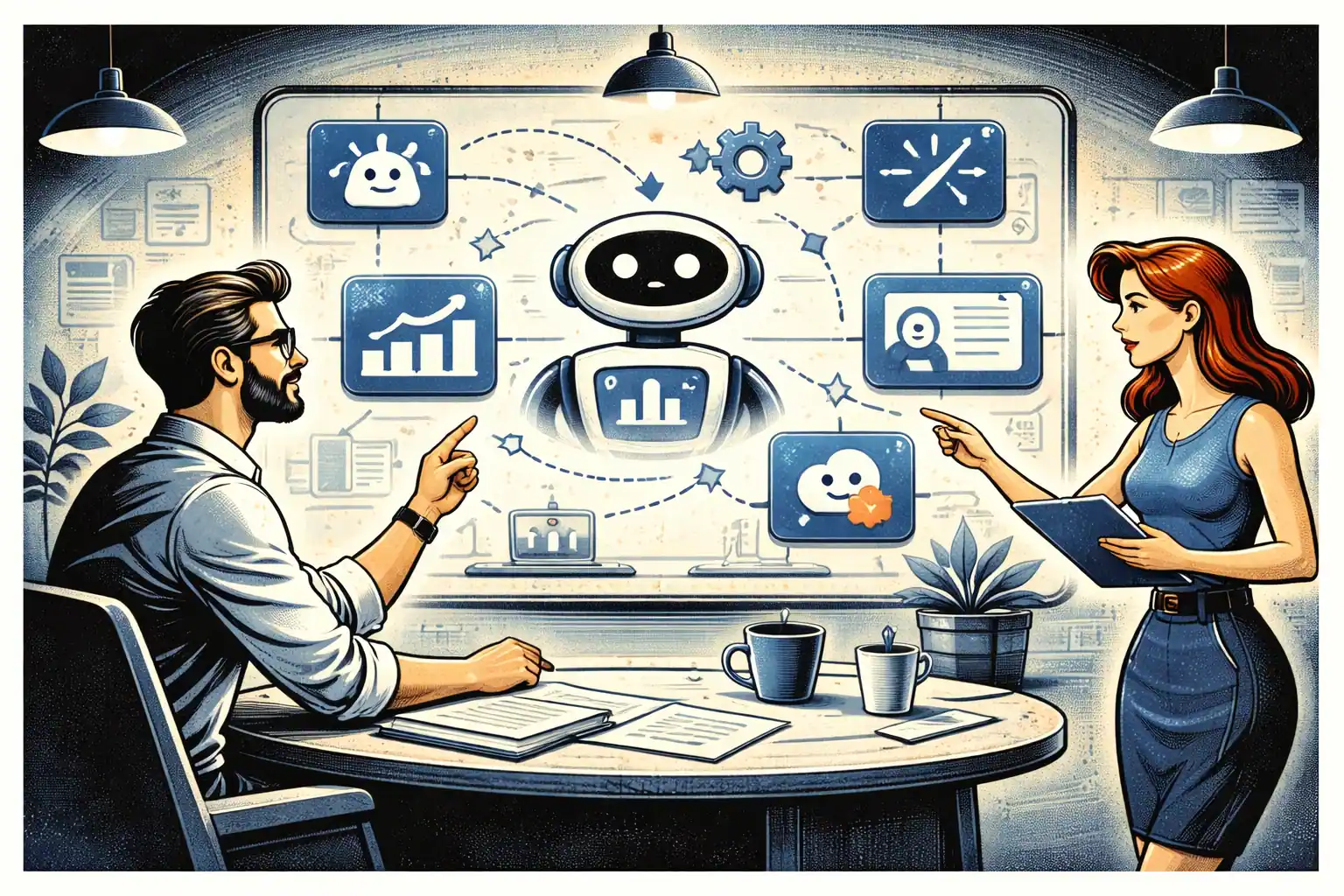
TL;DR: The best AI MVP features in 2026 are the ones that shorten time-to-value, improve decision quality, or automate repeatable work inside a proven workflow. Avoid AI features that exist only to look impressive in a demo. Start with one AI capability tied to the core user outcome, measure it with a few events, and keep a manual fallback until reliability is proven.
Start with the only question that matters
Before you decide to build an AI feature, answer this:
What user outcome becomes meaningfully better because of AI?
If the answer is vague (“it’s smarter”), you’ll ship an expensive feature that users don’t stick with.
A good AI MVP feature changes one of these:
- Time: users get value faster
- Quality: outcomes are more accurate or more useful
- Effort: users do less work to get the same result
- Coverage: users can do something they couldn’t do before
If you want the broader founder mindset for using AI without cutting quality, see AI-Powered MVP Development: Save Time and Budget Without Cutting Quality.
The three AI feature types that actually work in MVPs
Most “worth building” AI features fall into one of these buckets.
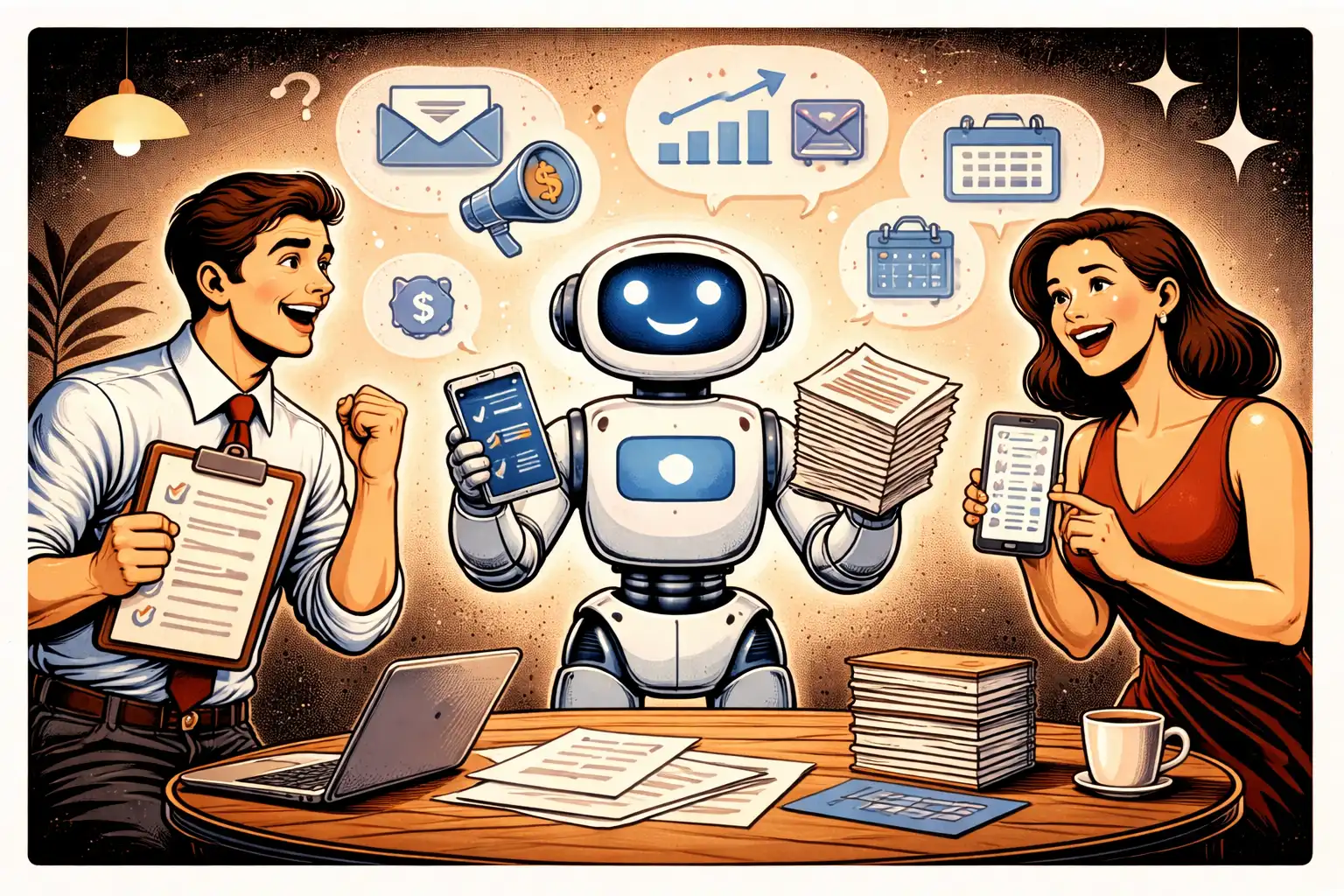
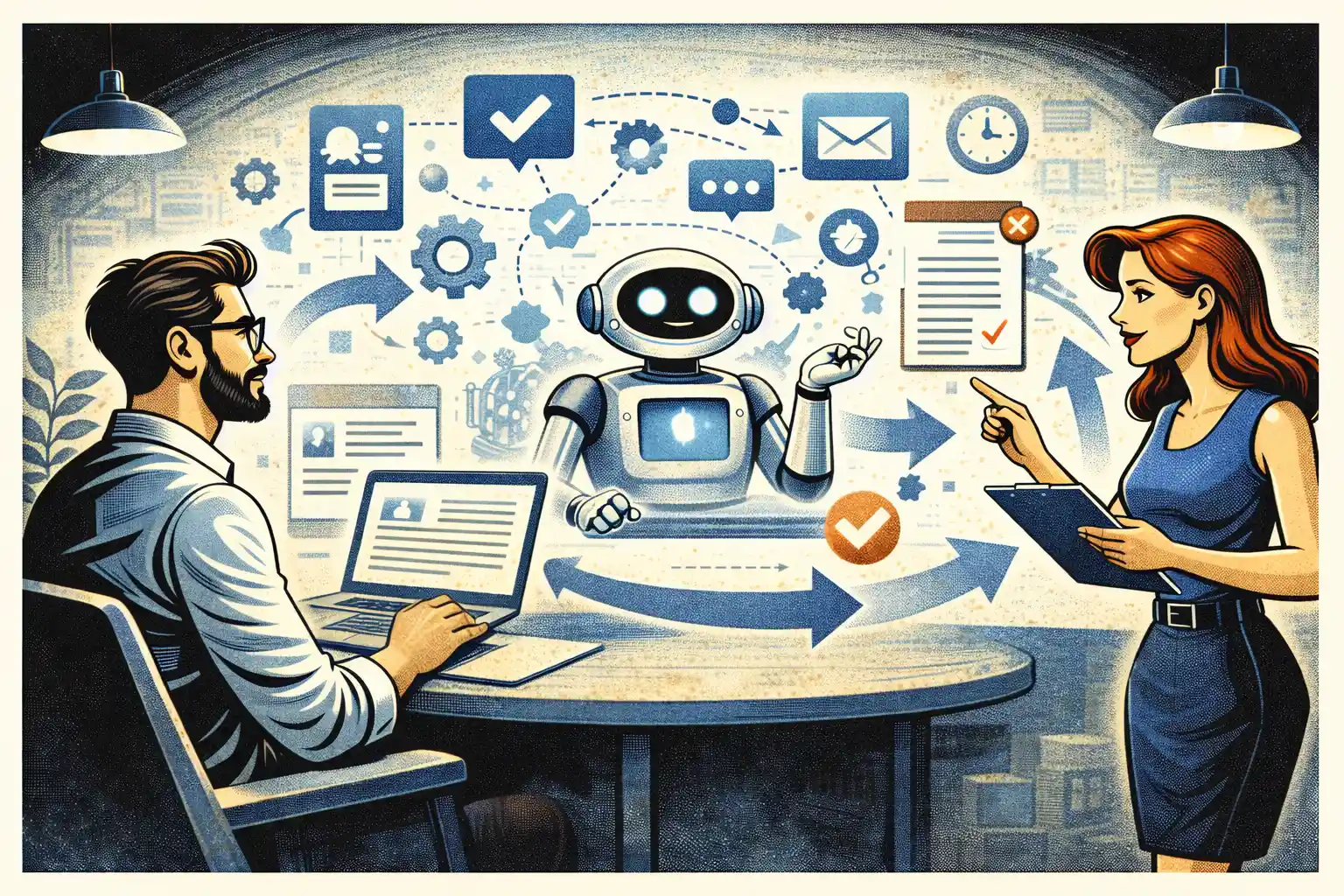
1) AI that compresses a workflow
This is the simplest and most reliable early value.
Examples:
- Summarize a long input into action items
- Draft a first version of something the user would otherwise write
- Turn messy notes into structured fields
- Convert intent into a checklist or plan
Why it works:
- The user already wants the outcome
- You’re saving time, not inventing a new behavior
2) AI that improves decisions
This is powerful when the user is already making decisions, but their data is messy.
Examples:
- Recommend the next best action
- Flag risks or anomalies in a process
- Suggest options and explain tradeoffs
MVP warning:
- Don’t pretend the AI is “perfect.” Make it assistive, not authoritative.
3) AI that creates a “new capability”
This is the highest upside and the highest risk.
Examples:
- Automated classification that replaces a manual expert step
- Matching and ranking in marketplaces
- Personalized outputs that adapt to user constraints
MVP rule:
- Start with one narrow use case and a strong fallback.
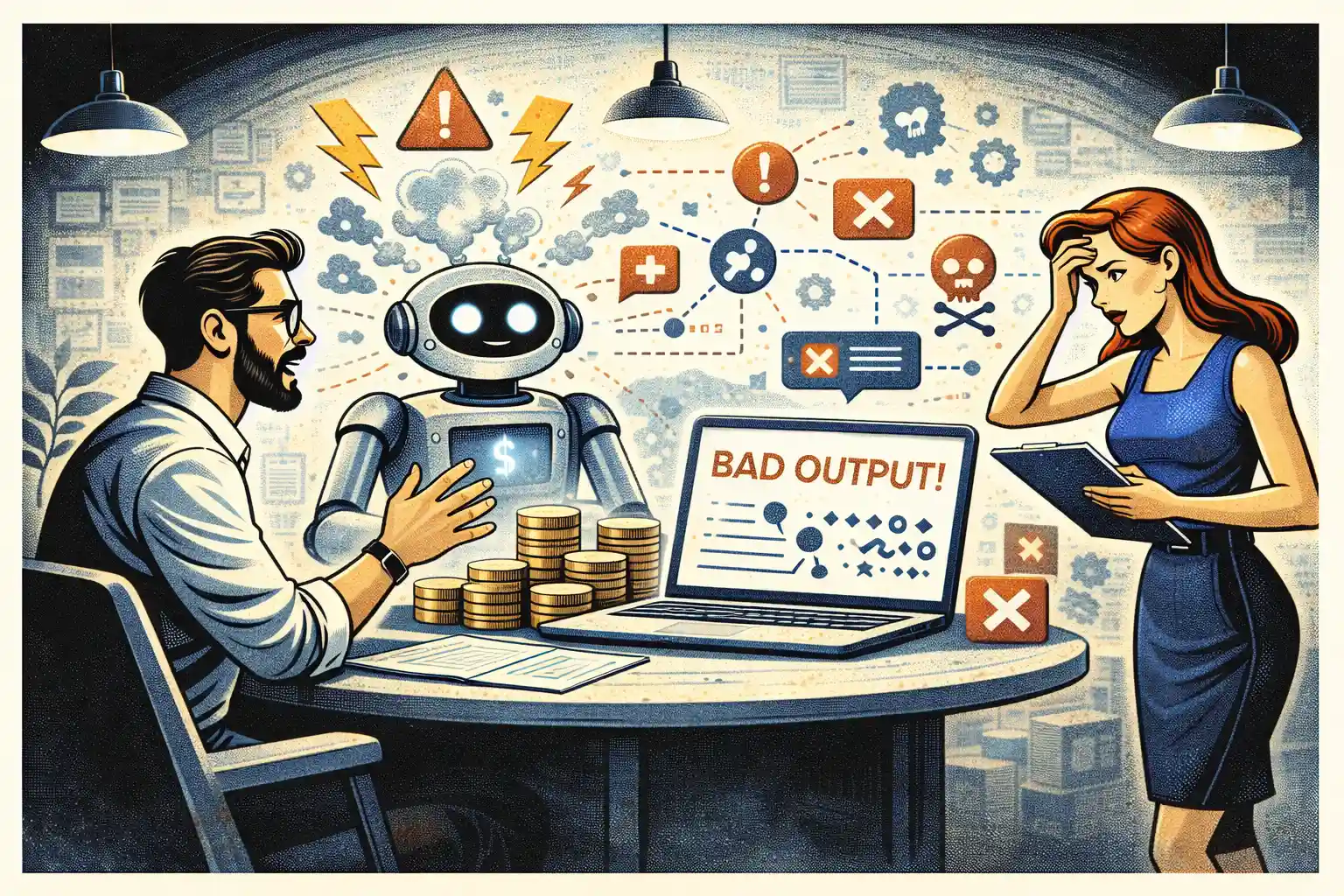
What NOT worth building early (common “demo AI” traps)
These features are tempting, but usually burn runway.
Trap 1: “AI assistant” with no clear job
A generic chatbot inside an app rarely creates retention.
Fix:
- Give the assistant one job tied to the core workflow.
Trap 2: AI features that require perfect data
If your product doesn’t have clean inputs, the AI will produce inconsistent outputs.
Fix:
- Build input structure and constraints first.
Trap 3: AI as a substitute for product clarity
If users don’t understand the workflow, AI will not fix the confusion.
Fix:
- Tighten the core flow first, then add AI to accelerate it.
If you want a clean approach to keeping the first version realistic, see MVP Development for Non-Technical Founders: 7 Costly Mistakes.
The MVP rule: one AI feature, one core outcome
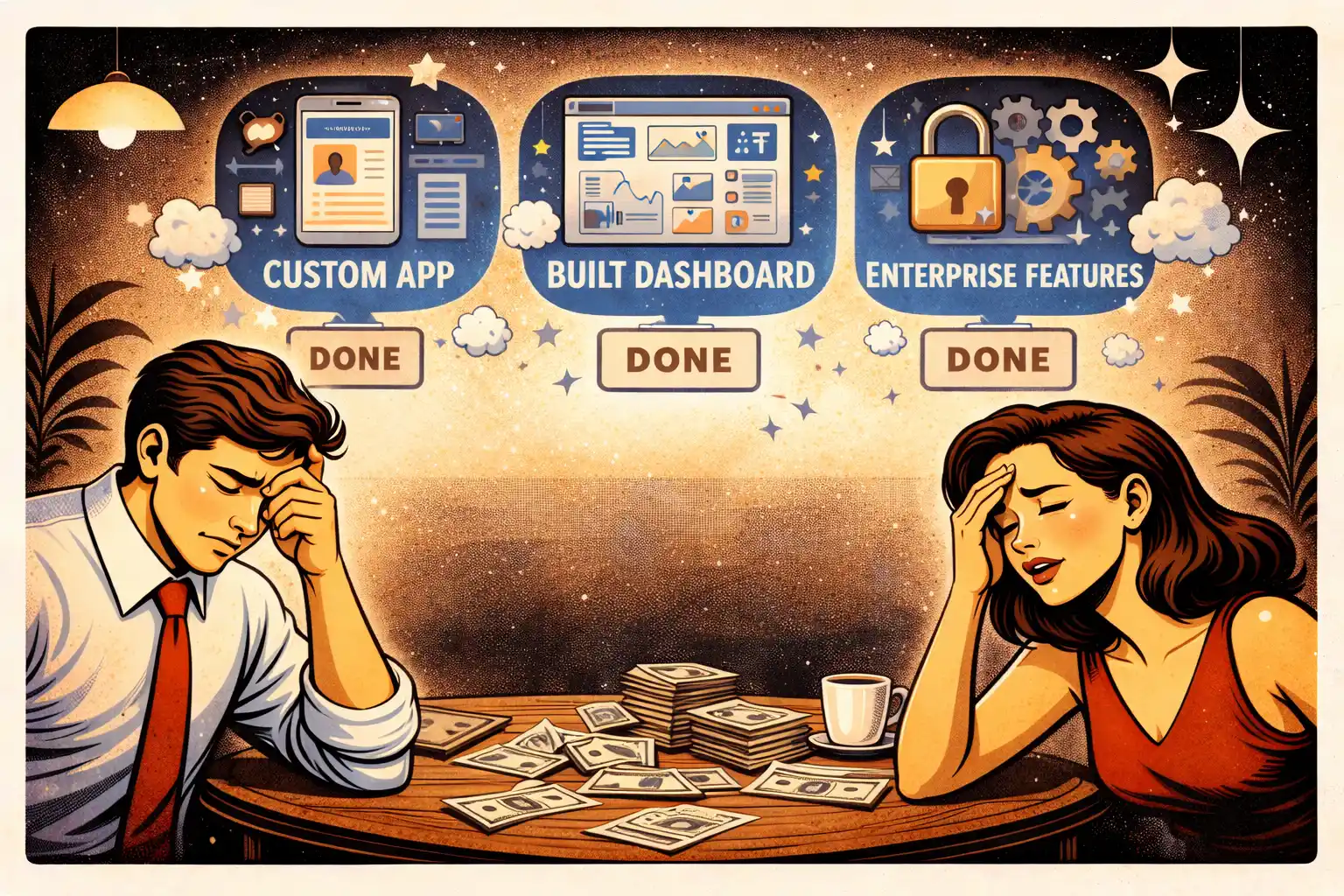
In 2026, founders often ship three AI features “to look serious.”
That’s a mistake.
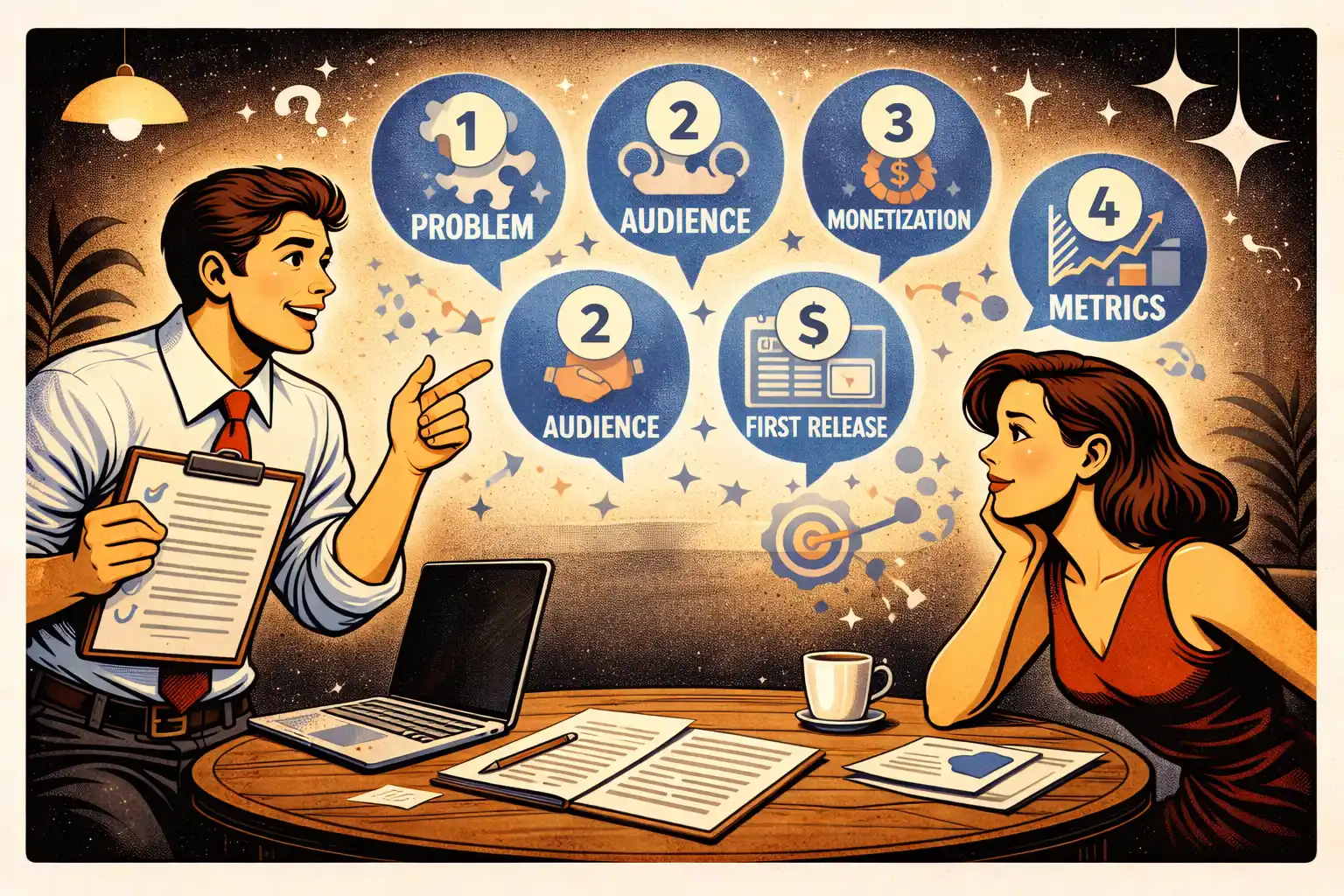
A better approach:
- Pick one core outcome
- Pick one AI capability that improves it
- Ship with a manual fallback
- Measure behavior
If you’re bootstrapping, this discipline is even more important. See Bootstrapped MVP Strategy in 2026: Ship Faster.
Manual-first is still the fastest AI strategy
A lot of AI features are decision-heavy and messy at first.
A manual-first approach helps you:
- learn what “good output” looks like
- define edge cases before you automate them
- avoid building a fragile automation system
The best pattern is:
- Humans handle uncertain steps
- Software captures intent and state
- AI is added only after repeatability is proven
If you want the full playbook, read Manual-First MVPs in 2026: What to Do Before Automating.
The “reliability” requirement (what users actually need)
Users don’t need your AI to be magical.
They need it to be:
- Predictable: results aren’t randomly different
- Explainable enough: they can understand why it suggested something
- Recoverable: there’s a fallback when it fails
MVP pattern that works:
- Show a confidence hint or “review before applying” step
- Allow editing the AI output
- Provide a simple “try again” flow
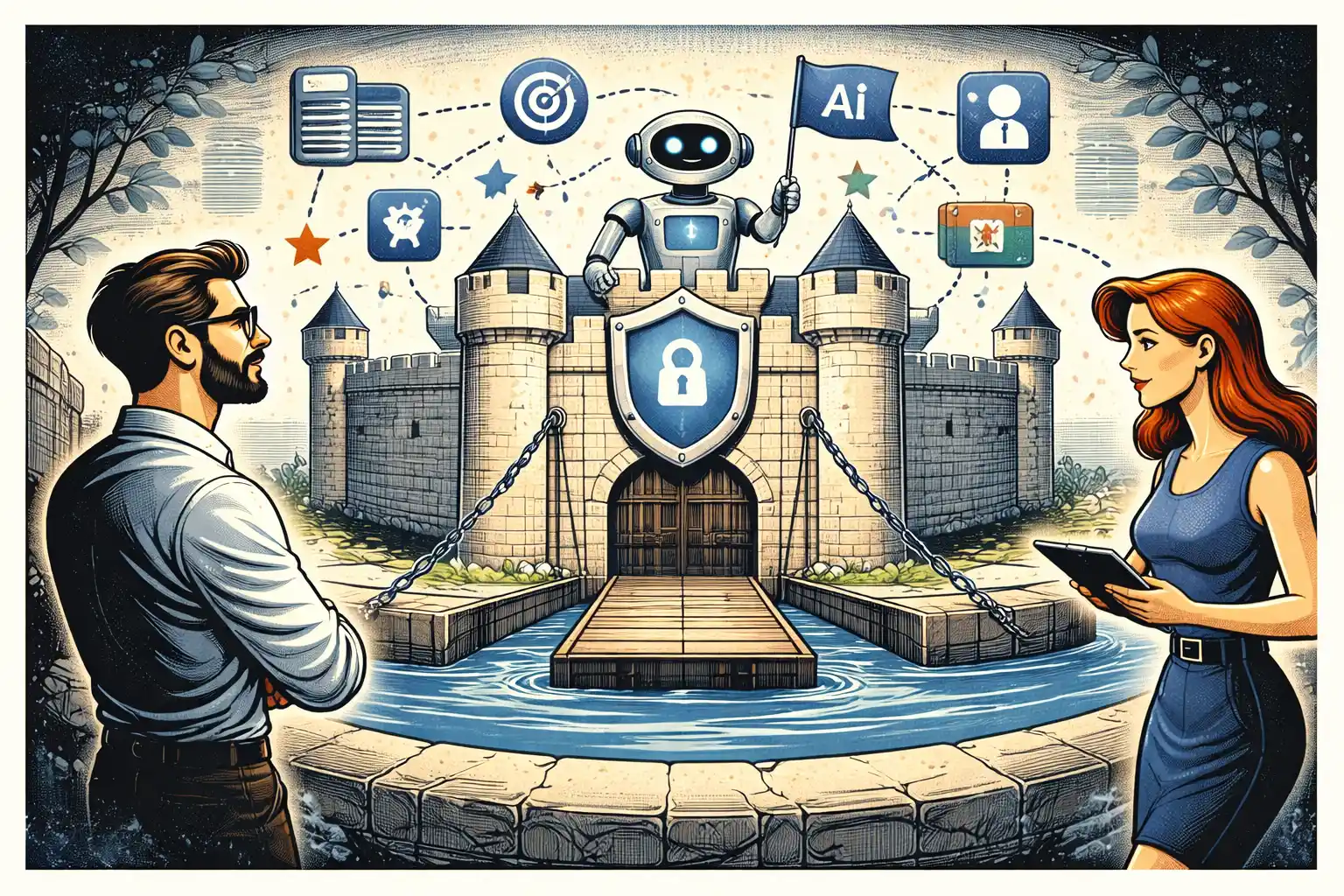
The minimum AI safety controls you should ship
This is not enterprise security. It’s MVP-level sanity.
- Don’t expose secrets in the client
- Log AI requests and outcomes at a basic level
- Store only what you need for debugging and improvement
- Add rate limits to prevent abuse
- Build a clear “human override” path
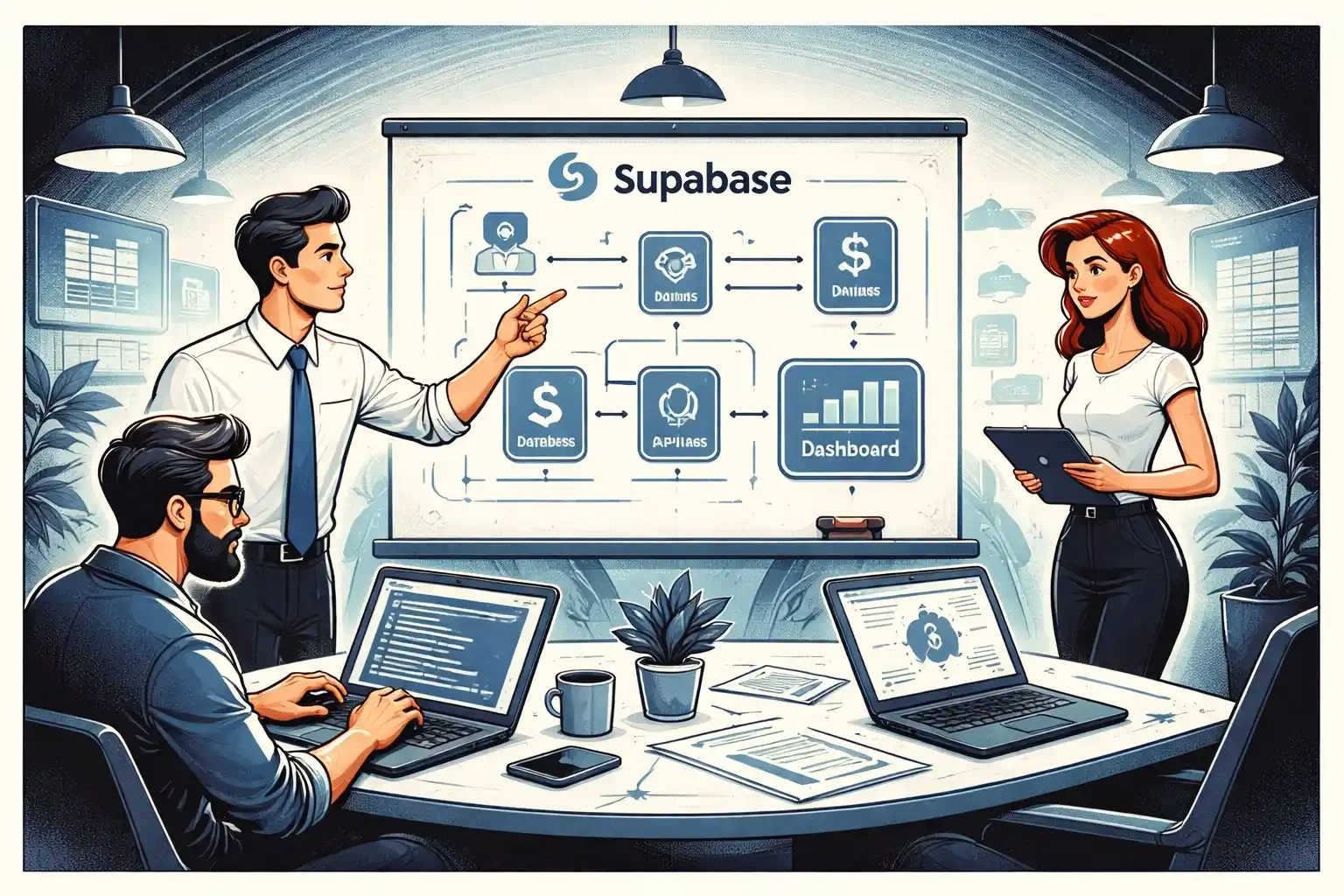
If your MVP backend is Supabase-based, structure permissions and server-side actions cleanly from day one. See Supabase MVP Architecture in 2026: Practical Patterns.
How to measure whether the AI feature is working
If you can’t measure it, you’ll argue about it forever.
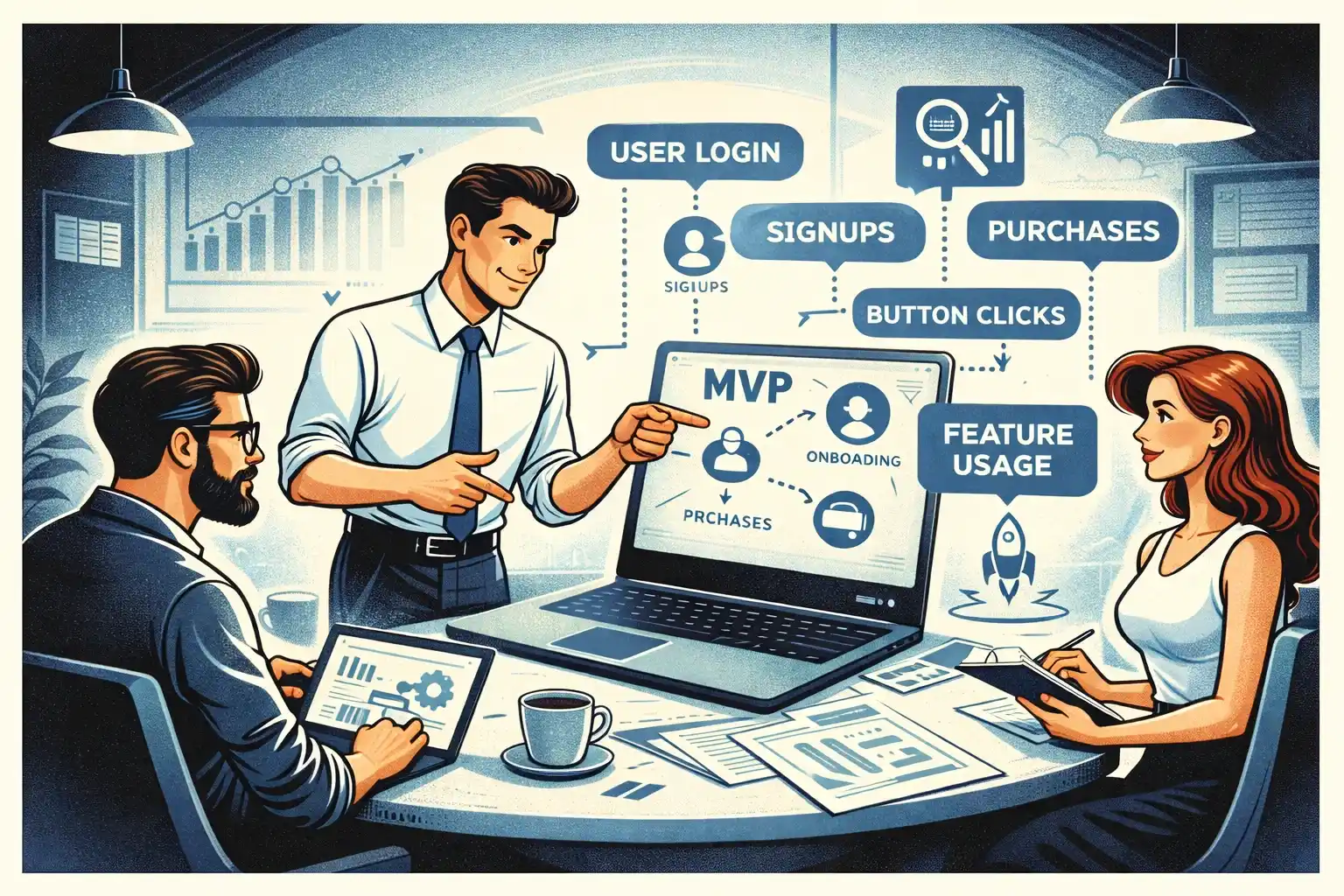
Track events that answer:
- Did users reach value faster?
- Did more users complete the core action?
- Did users come back because of the AI?
- Did it reduce support requests or manual time?
Use a lean event set, not “track everything.”
This guide gives the event framework: MVP Analytics in 2026: Events to Track Early.
Founder-led testing is non-negotiable for AI features
AI can look impressive while silently frustrating users.
You need to watch people use it.
Test:
- Do they trust the output enough to act?
- Do they understand what the AI is doing?
- Where do they get stuck or abandon?
- What do they try to fix manually?
Here’s the practical setup: Founder-Led MVP Testing in 2026: A Practical Setup.
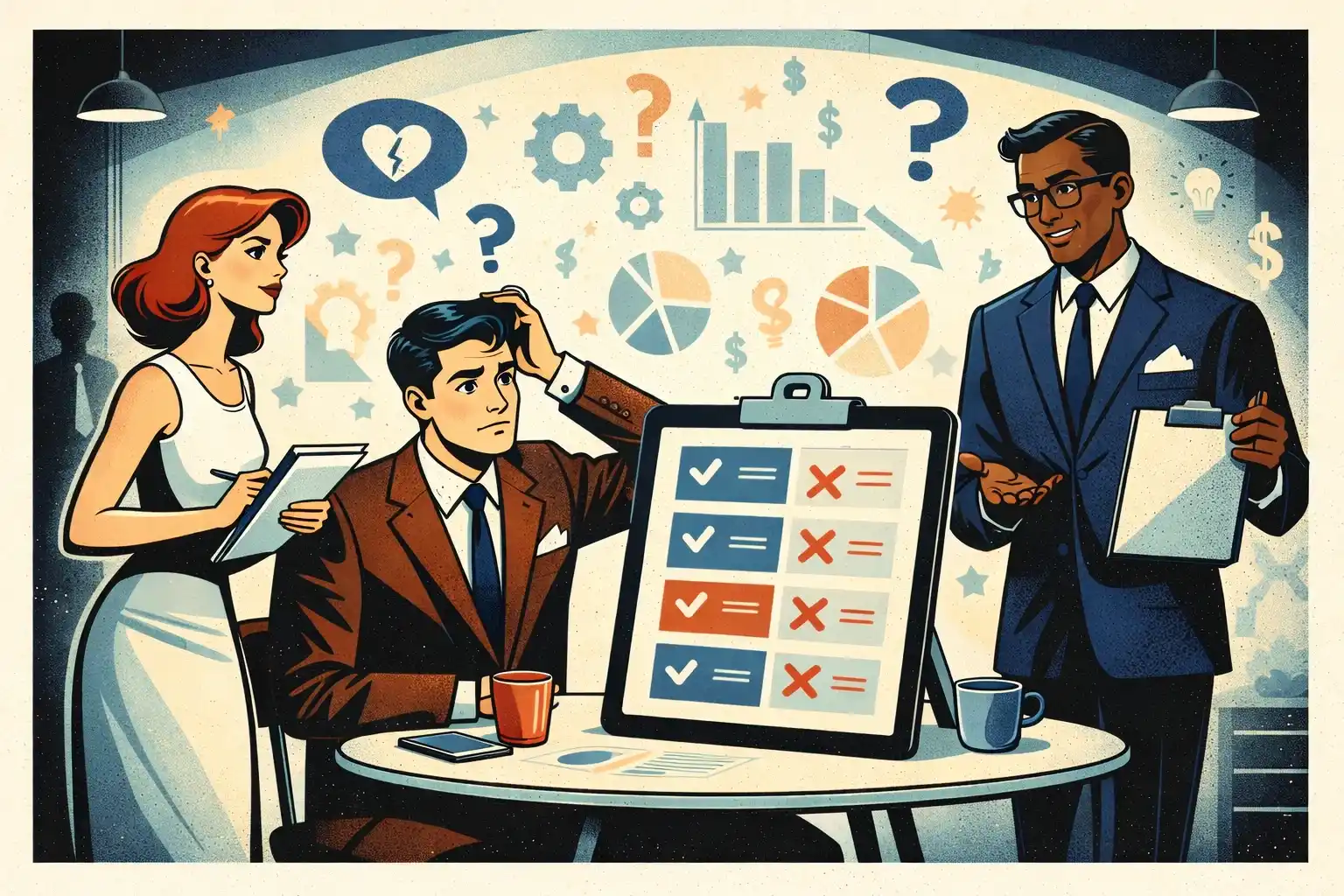
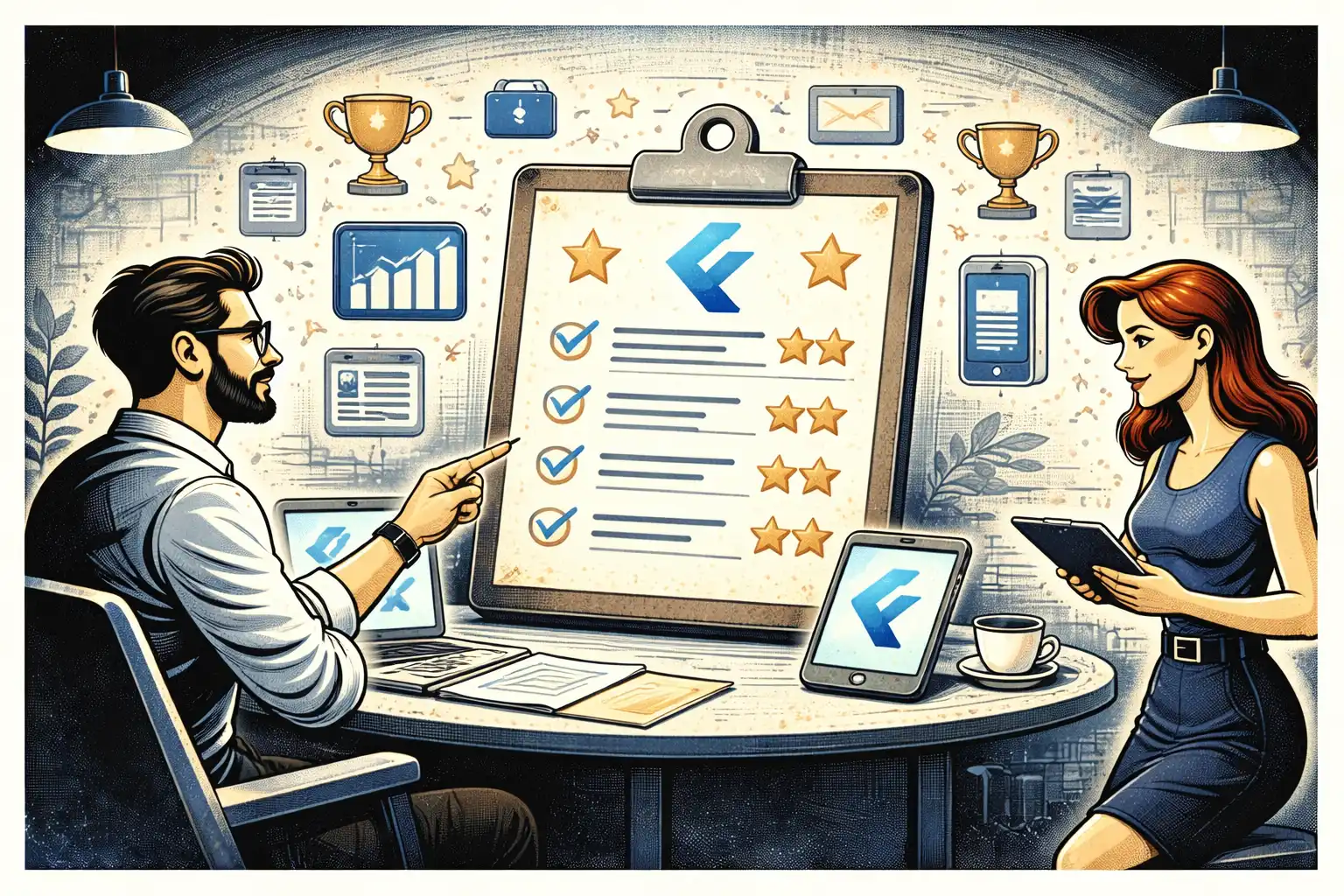
A simple decision checklist: is this AI feature worth building?
If you can answer “yes” to most of these, it’s likely worth it:
- It improves one clear user outcome
- Users will use it in the first session
- You can define what “good output” means
- You can ship a manual fallback
- You can measure its impact with a few events
- It won’t force a huge scope explosion
If you can’t answer these yet, keep it manual-first or postpone it.
Thinking about building an AI-powered MVP in 2026?
At Valtorian, we help founders design and launch modern web and mobile apps — including AI-powered workflows — with a focus on real user behavior, not demo-only prototypes.
Book a call with Diana
Let’s talk about your idea, scope, and fastest path to a usable MVP.
FAQ
What is the best first AI feature for an MVP?
The best first AI feature usually compresses an existing workflow: summarization, drafting, structuring messy inputs, or generating a first version users can edit.
Should I build an “AI assistant” inside my app?
Only if it has one clear job tied to your core workflow. Generic assistants rarely drive retention in early-stage products.
How do I avoid building “demo AI”?
Tie AI to a measurable outcome, ship one narrow use case, keep a manual fallback, and test with real users before expanding.
Do I need perfect accuracy to launch an AI feature?
No, but you need reliability and recovery: clear expectations, editability, and a fallback when output is wrong.
When should I automate instead of staying manual-first?
When the workflow is repeatable, inputs are consistent, edge cases are known, and manual work becomes a bottleneck. Automate the happy path first.
How do I measure whether the AI feature improved the product?
Track time-to-value, core action completion, retention proxy, and any reduction in manual effort or support tickets. Use a small, decision-ready event set.
What’s the biggest mistake founders make with AI MVPs in 2026?
Building multiple AI features before proving one core loop. It inflates scope and makes it harder to learn from real behavior.




















.webp)




.webp)